Create SSO Connection With TestMu AI
TestMu AI allows you to integrate an external user directory with your TestMu AI Organization through an IDP so your team could leverage the Single Sign-on setup using SAML.
TestMu AI SSO supports the following:
- SP-initiated SSO.
- IdP-initiated SSO.
- JIT (Just In Time) Provisioning.
Prerequisites
Create SSO Connection With TestMu AI:
- You will need an Enterprise plan with TestMu AI.
- The Admin of your TestMu AI organization needs to raise a request for enabling SSO Self Serve UI. They could drop us an email over [email protected] or could reach out to us via our 24/7 in app chat support.
- You will also need the admin level access of OneLogin to configure the SSO.
Configuring TestMu AI SSO Integration Using SAML
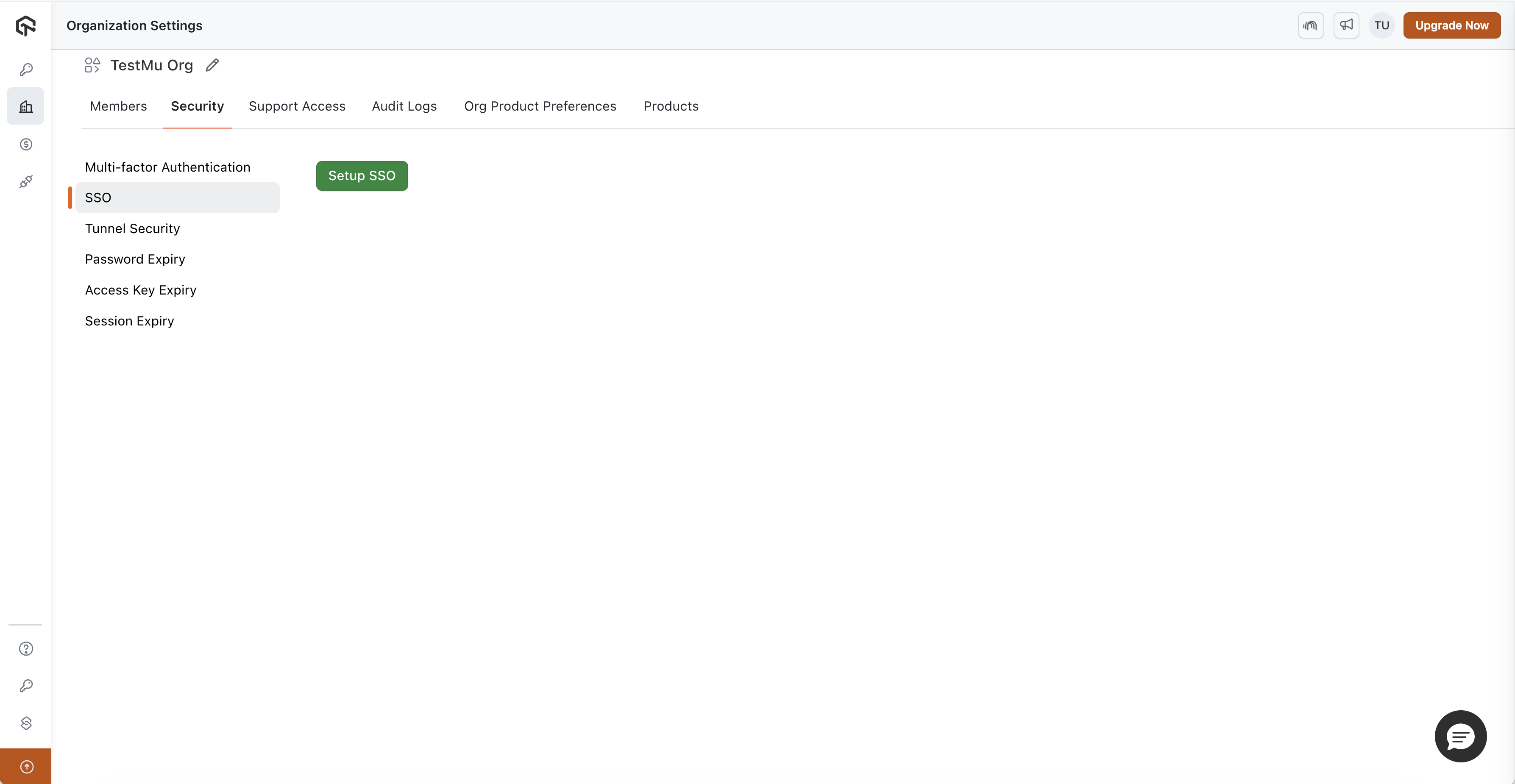
- Go to TestMu AI SSO Section in the Security tab of Organization Settings and click on Setup SSO.
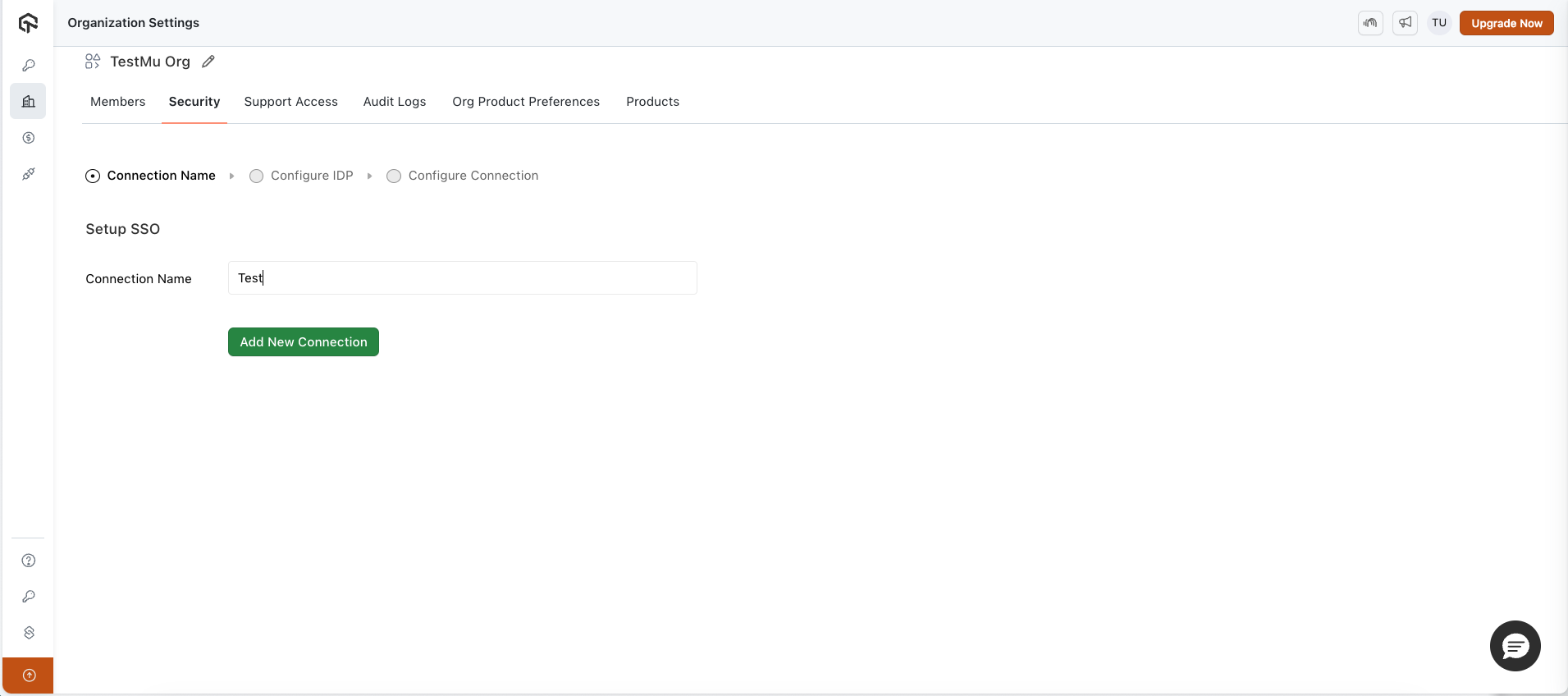
- Enter Connection Name and Click on Add New Connection.
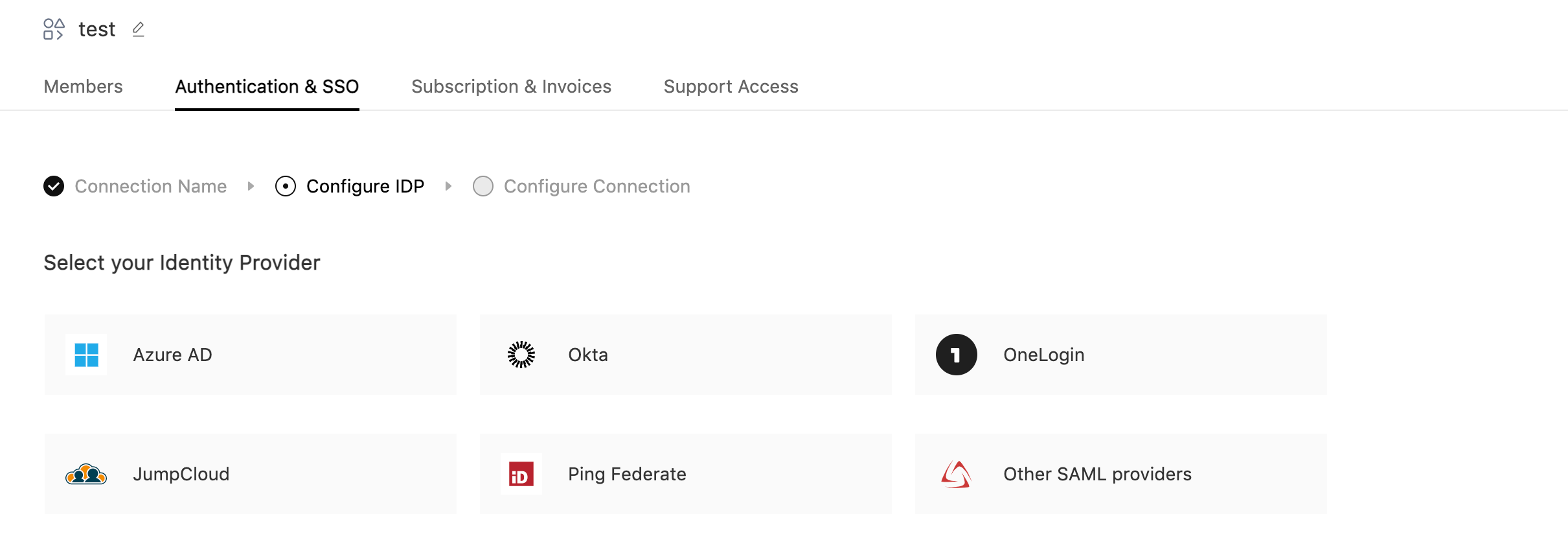
- Select your Identity Provider.
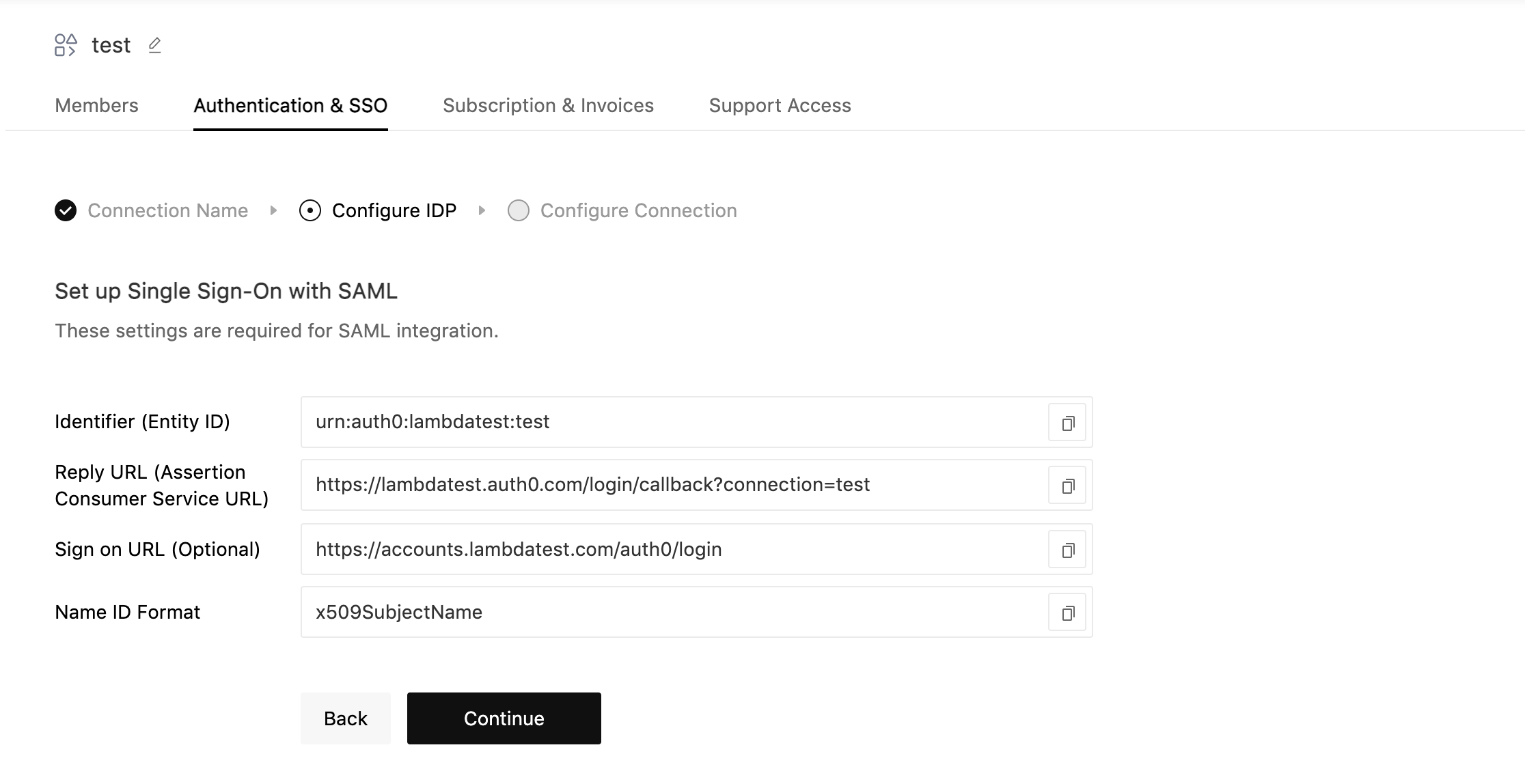
- Now copy the details required for setting up SSO connection in your Identity Provider. Once configured, click on continue
- Now Configure the Attributes and Claims in your Identity Provider. Once configured, click on continue
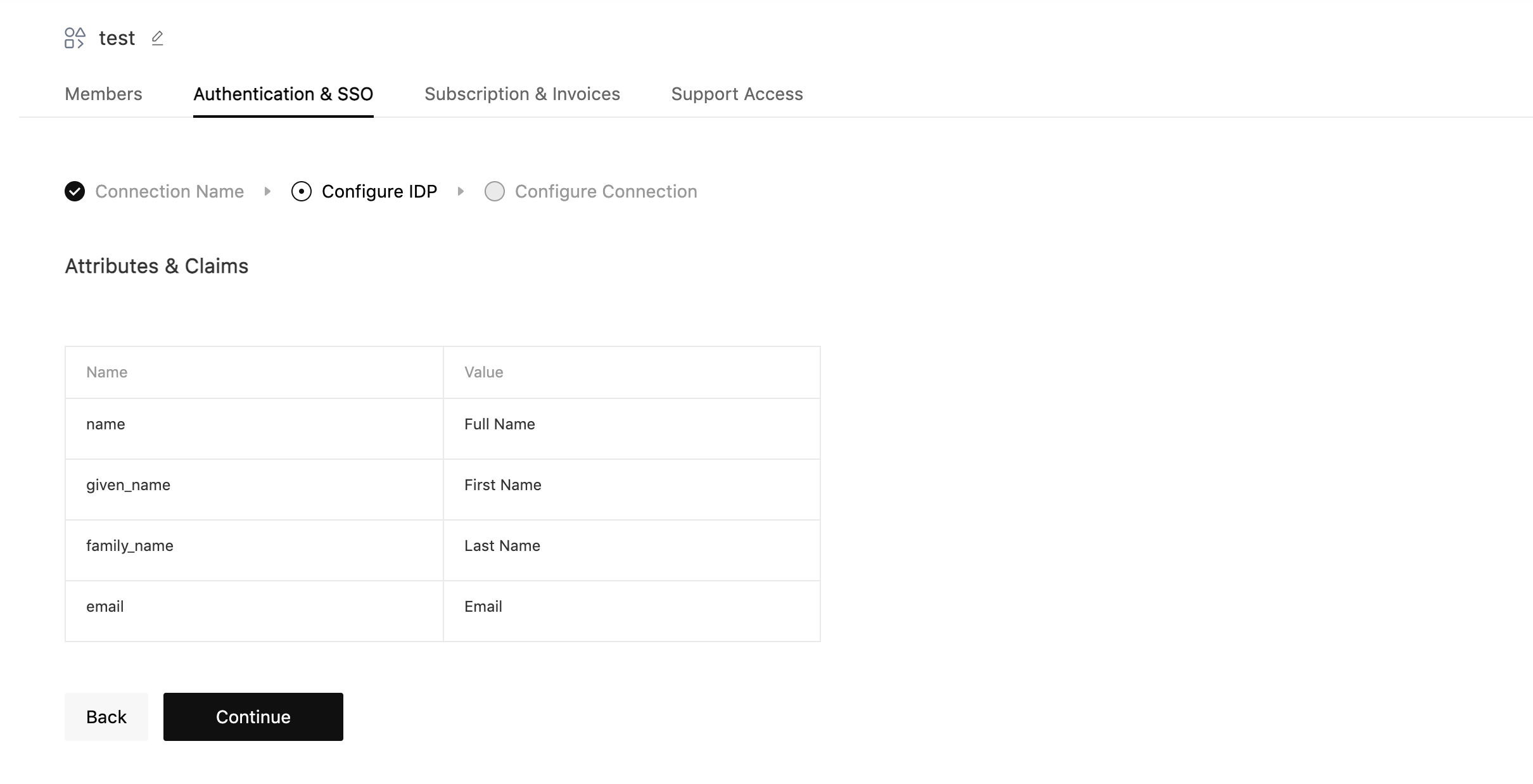
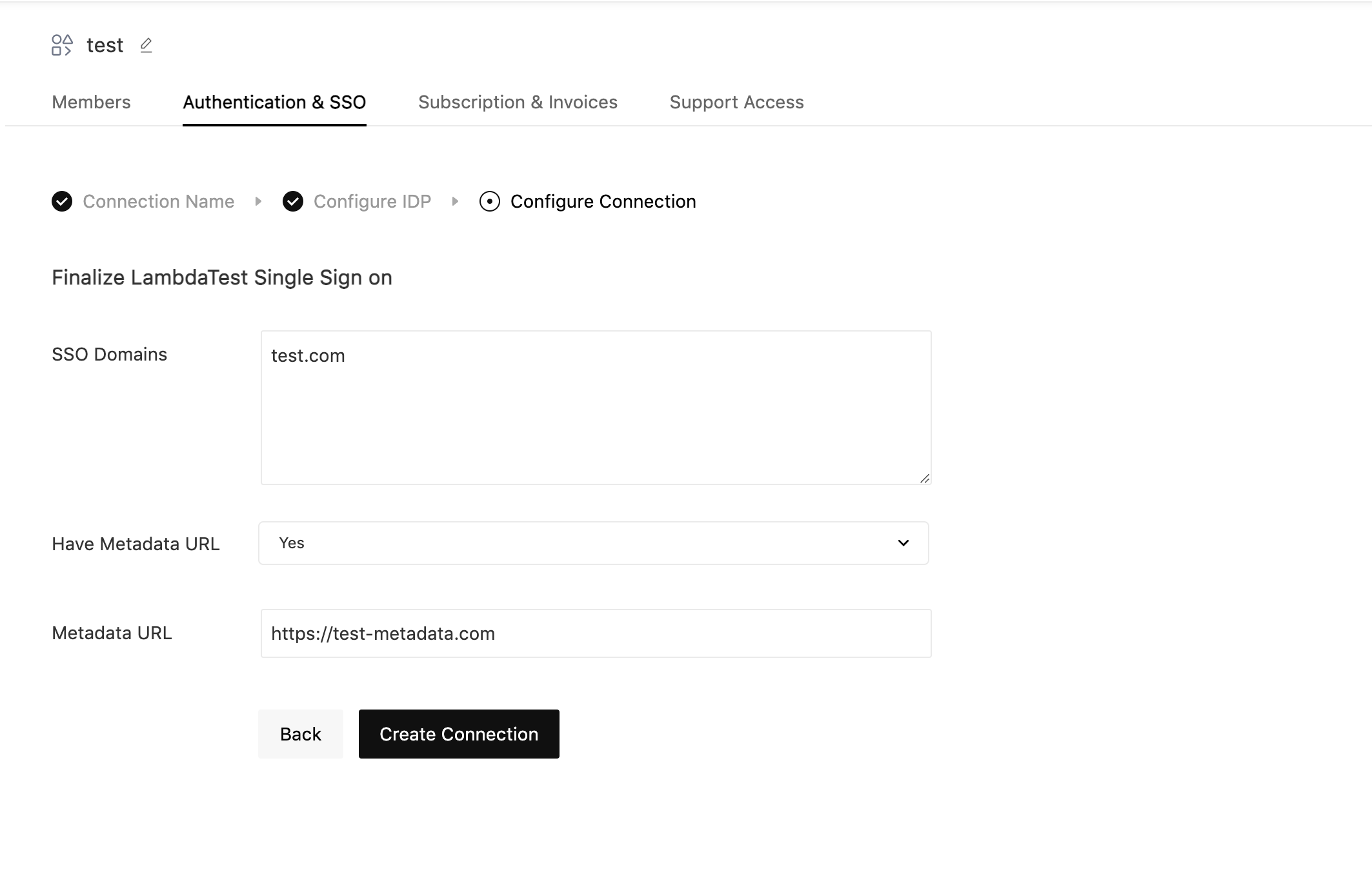
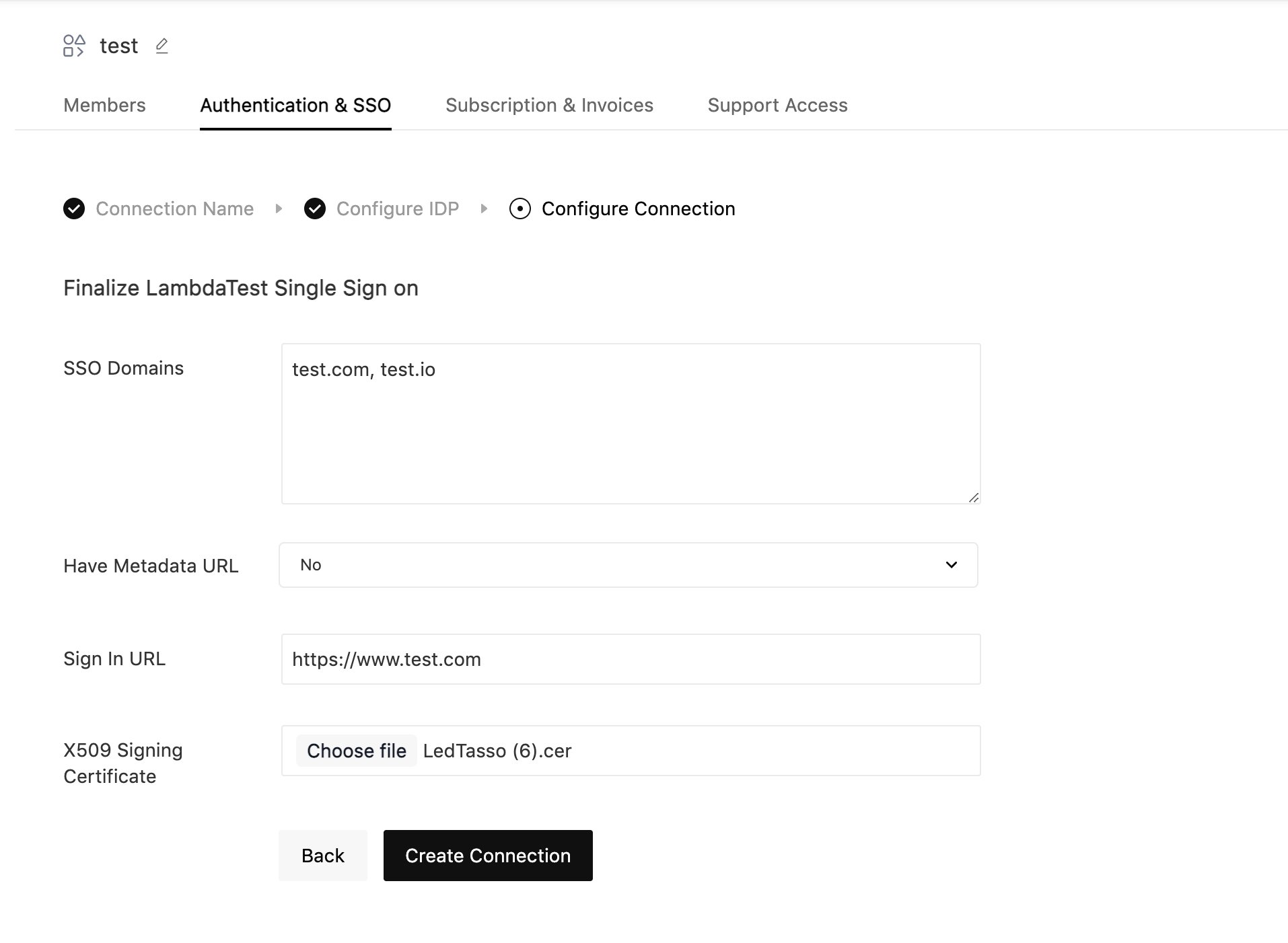
- Fill the required fields and click on Create Connection:
- SSO Domains (Comma-separated list of the domains that can be authenticated in the Identity Provider.)
- Have Metadata URL (Select this option if you have metadata file URL of your Identity Provider.)
- Metadata URL (Enter the metadata URL of your Identity Provider.)
- Sign In URL (Enter the sign-in URL of your Identity Provider.)
- X509 Certificate (Upload the base64 encoded X509 certificate of your Identity Provider.)
Create Connection with Metadata URL
Create Connection without Metadata URL
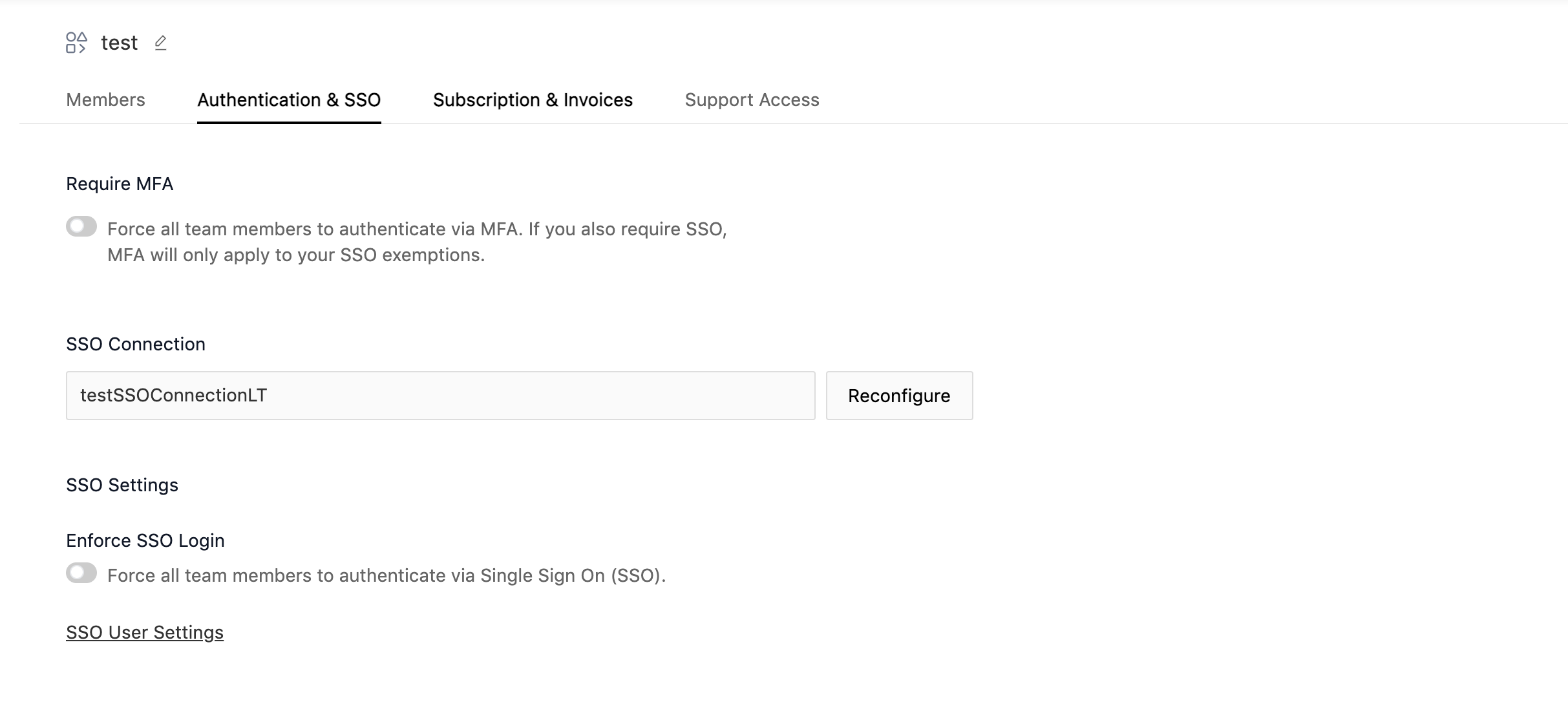
- Once the connection is created, you will be redirected to the SSO settings page. From here you can Manage SSO Connection.
That's all you need to know for Configuring TestMu AI SSO Integration Using SAML. In case you have any questions please feel free to reach out to us via the 24/7 chat support or email us over [email protected].

 Chat with Us
 Ask the Community