Manage SSO Connection
Before proceeding you need to navigate to SSO Section in the Security tab of Organization Settings.
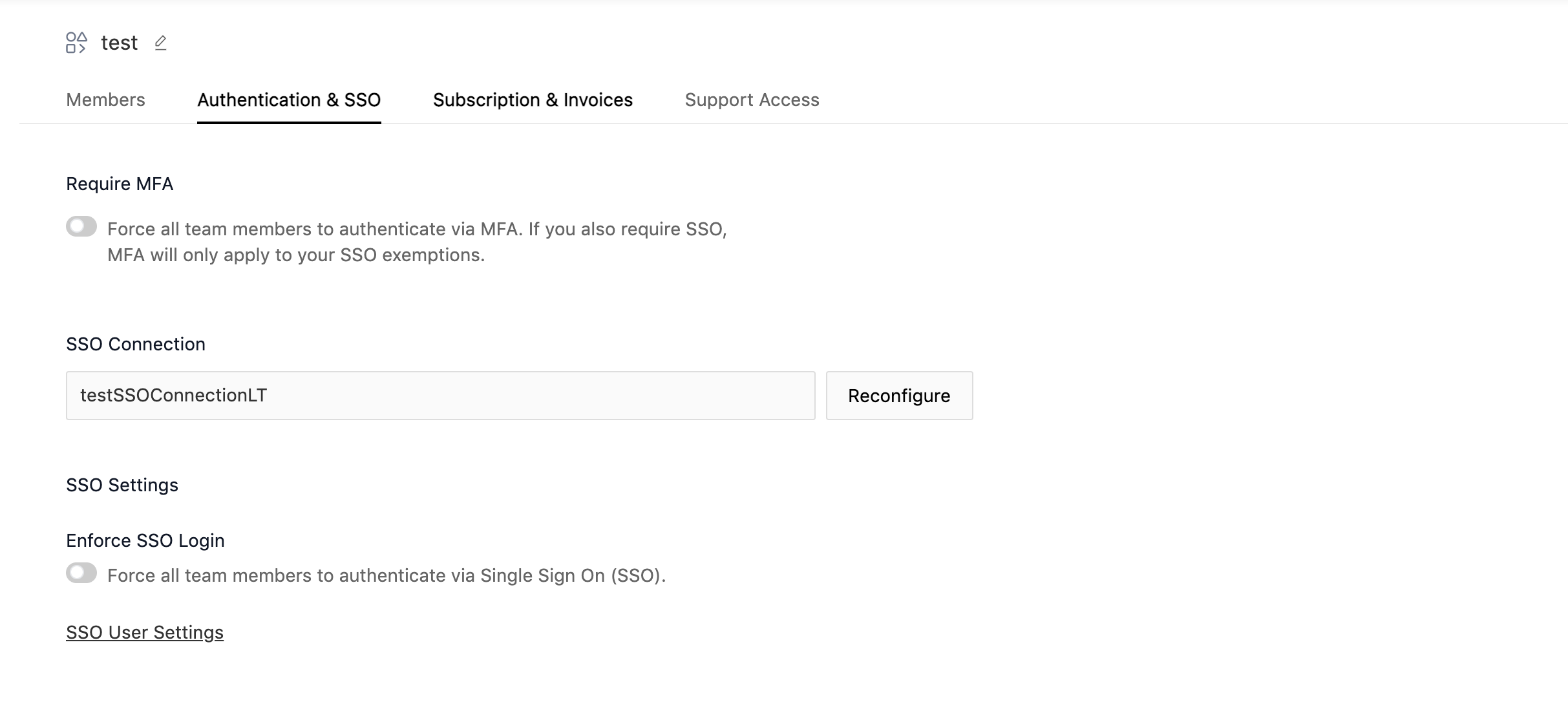
Reconfigure SSO Connection
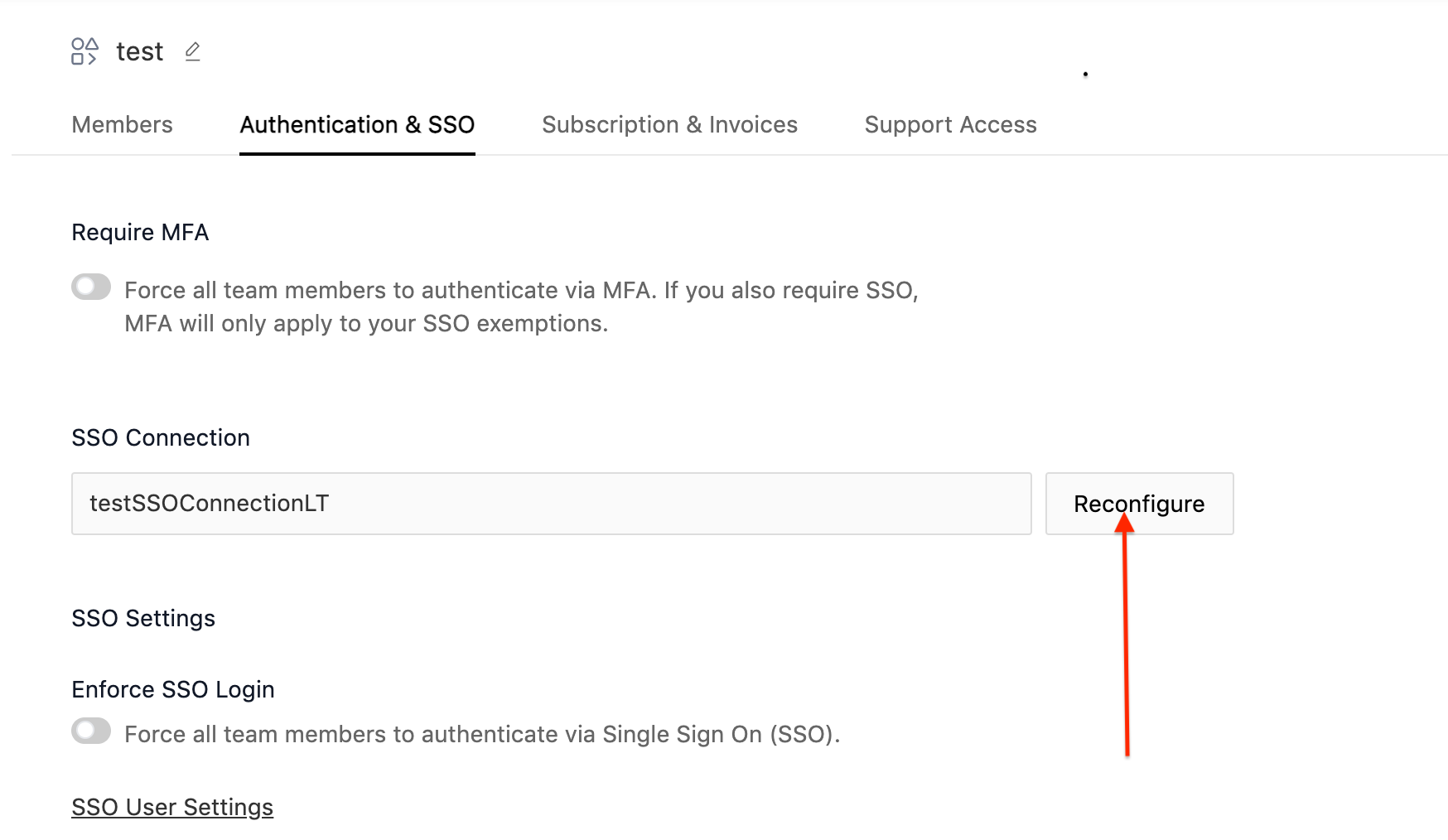
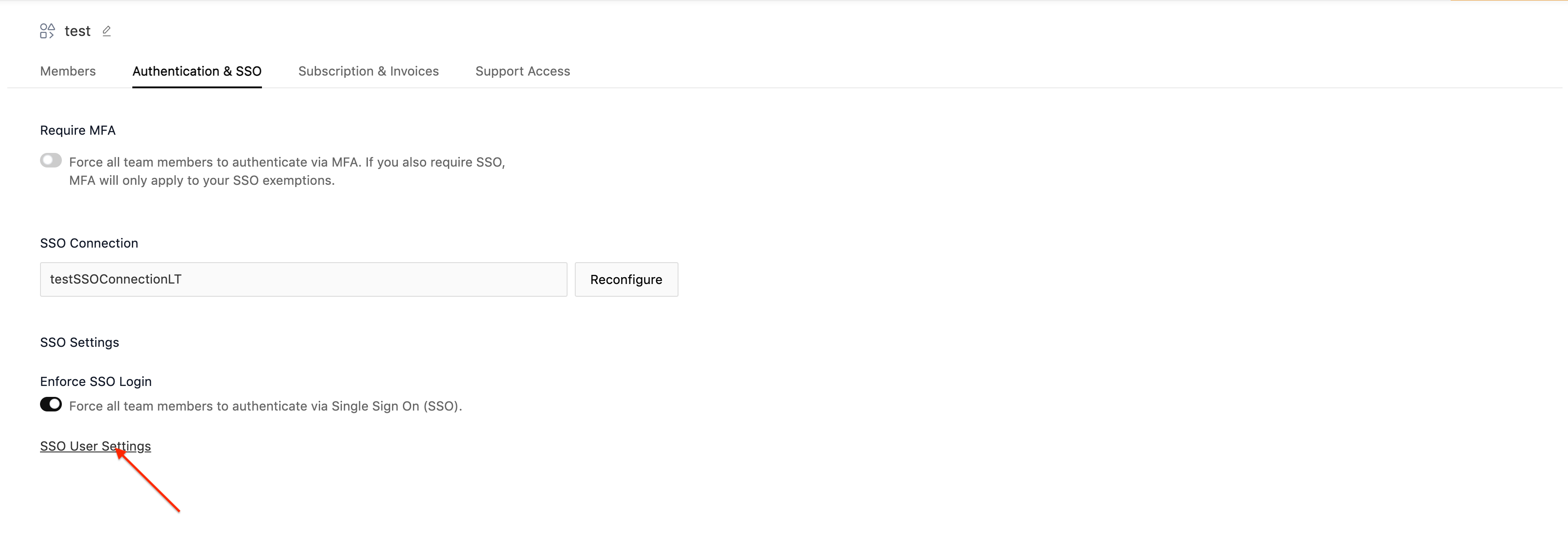
- For Updating the SSO connection, click on Reconfigure.
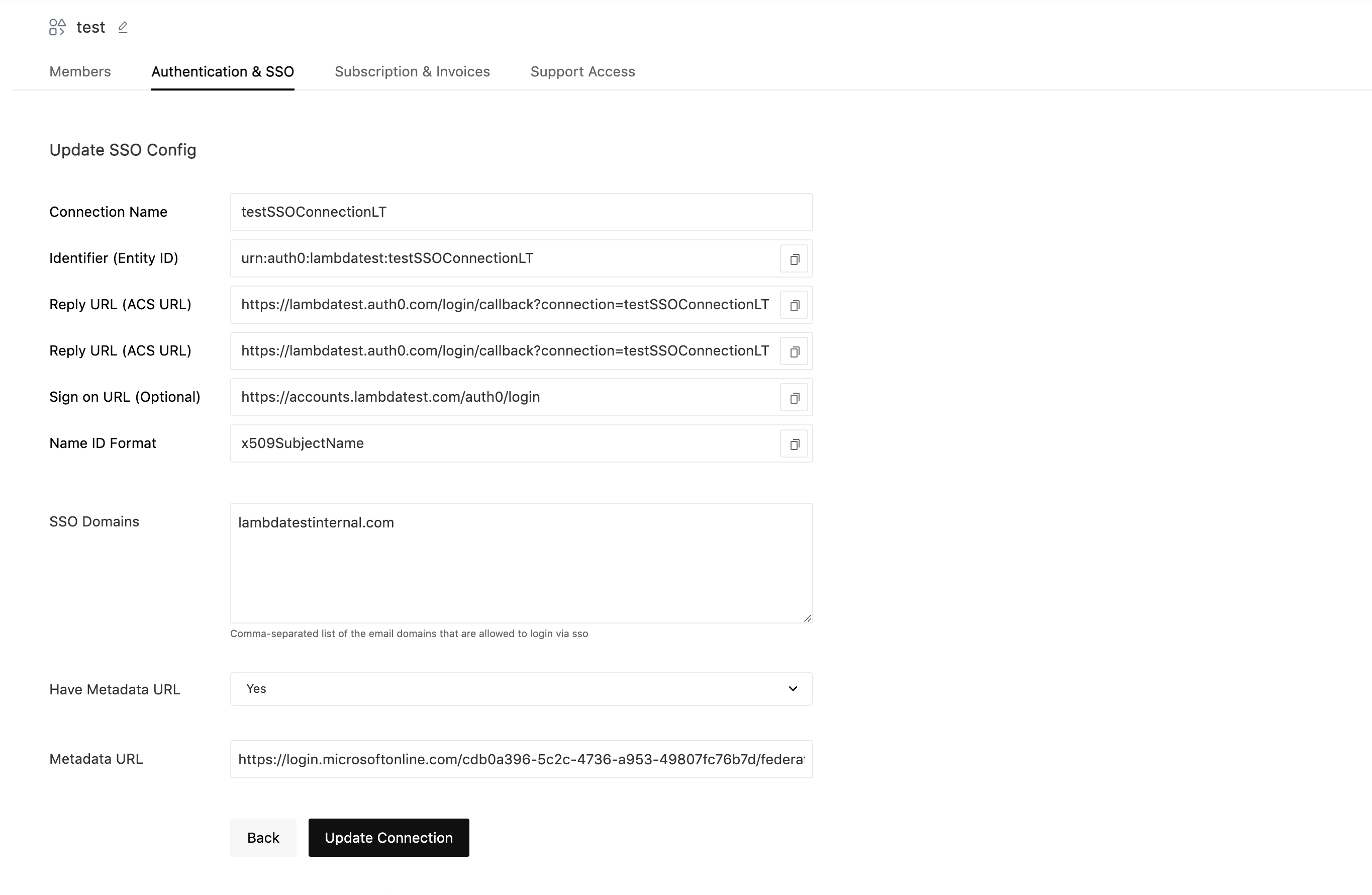
- Update the fields you need to change and click on Update Connection.
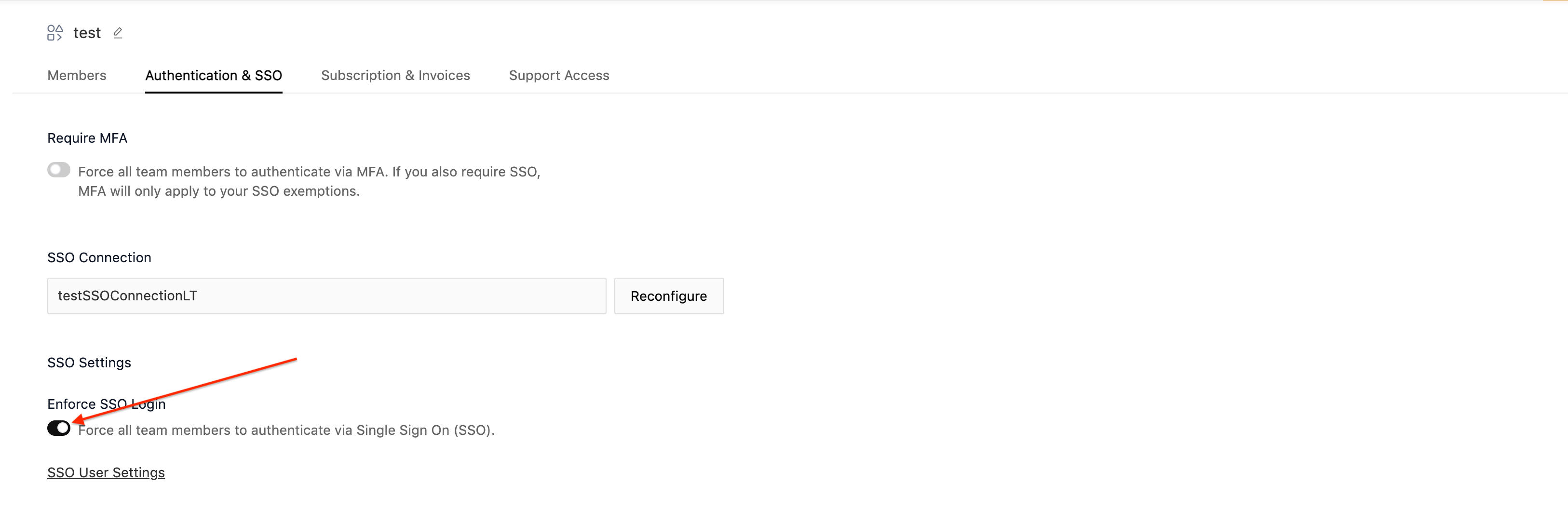
Enforce SSO Login (Forcing Users to Log in with SSO Only)
- For Enforcing SSO login, click on Enforce SSO Login Toggle.
Exempt Users From SSO Login
-
For Exempting users from SSO login (Allows Users to Log in with TestMu AI Credentials and Social Auth), click on SSO User Settings.
-
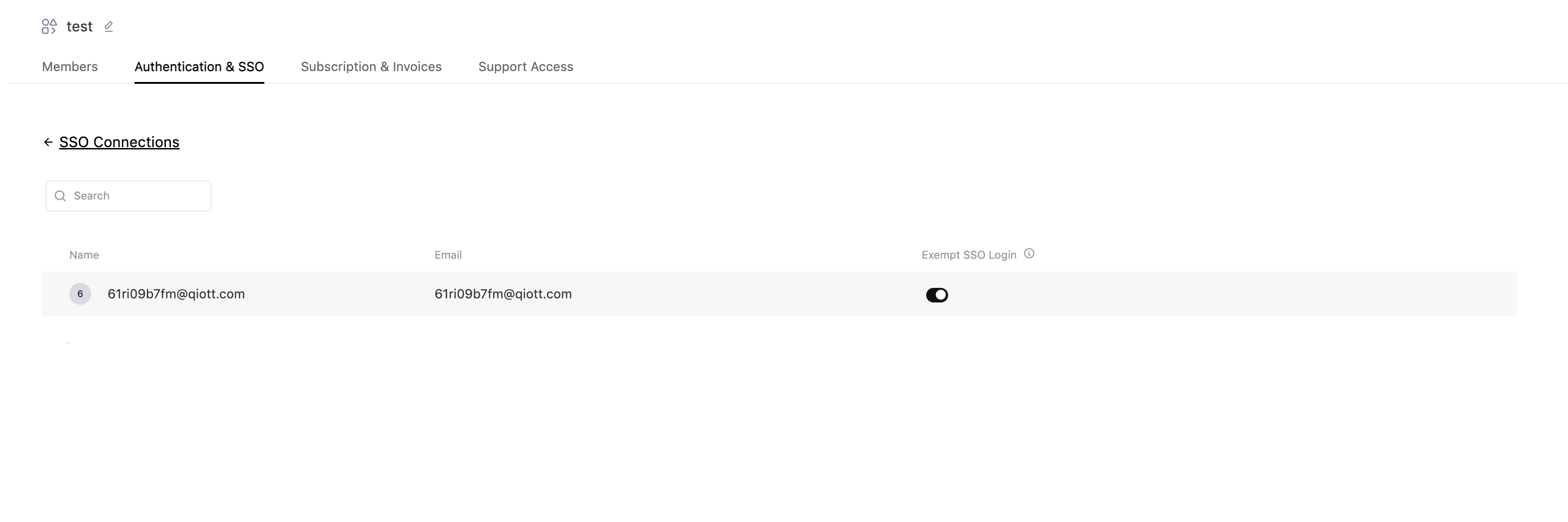
Check the toggle for the users you want to exempt from SSO login
That's all you need to know for Managing TestMu AI SSO Integration. In case you have any questions please feel free to reach out to us via the 24/7 chat support or email us over [email protected].

 Chat with Us
 Ask the Community