TestMu AI Support Access
The Support Access feature allows authorised TestMu AI support personnel to temporarily access your TestMu AI account for triaging and technical assistance purposes. This access is granted only with your consent and can be revoked at any time.
Quick Link
You can directly navigate to the Support Access page by this link.
Granting Support Access
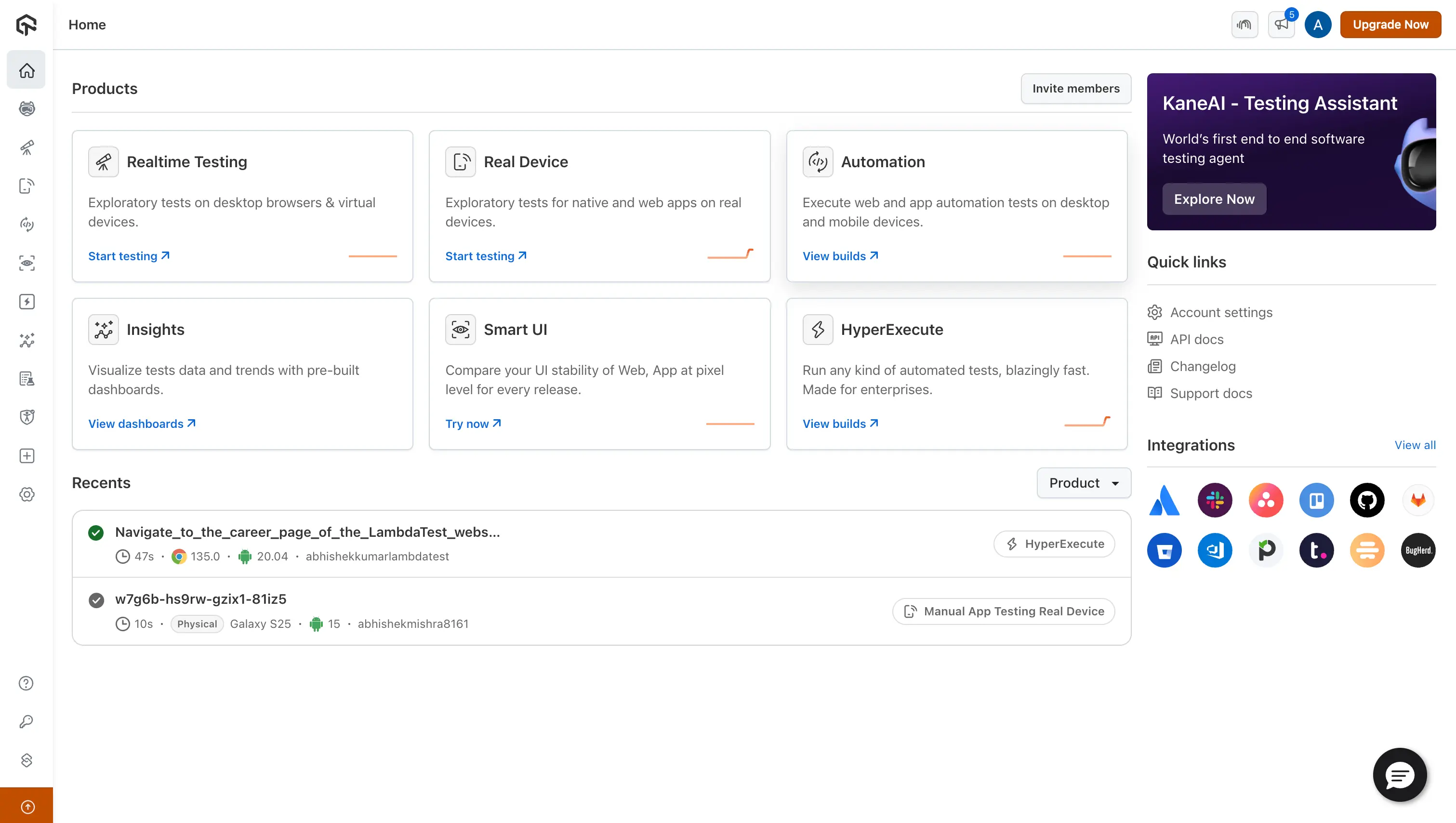
Step 1: Sign in to your TestMu AI account. Don't have an account, register for free.
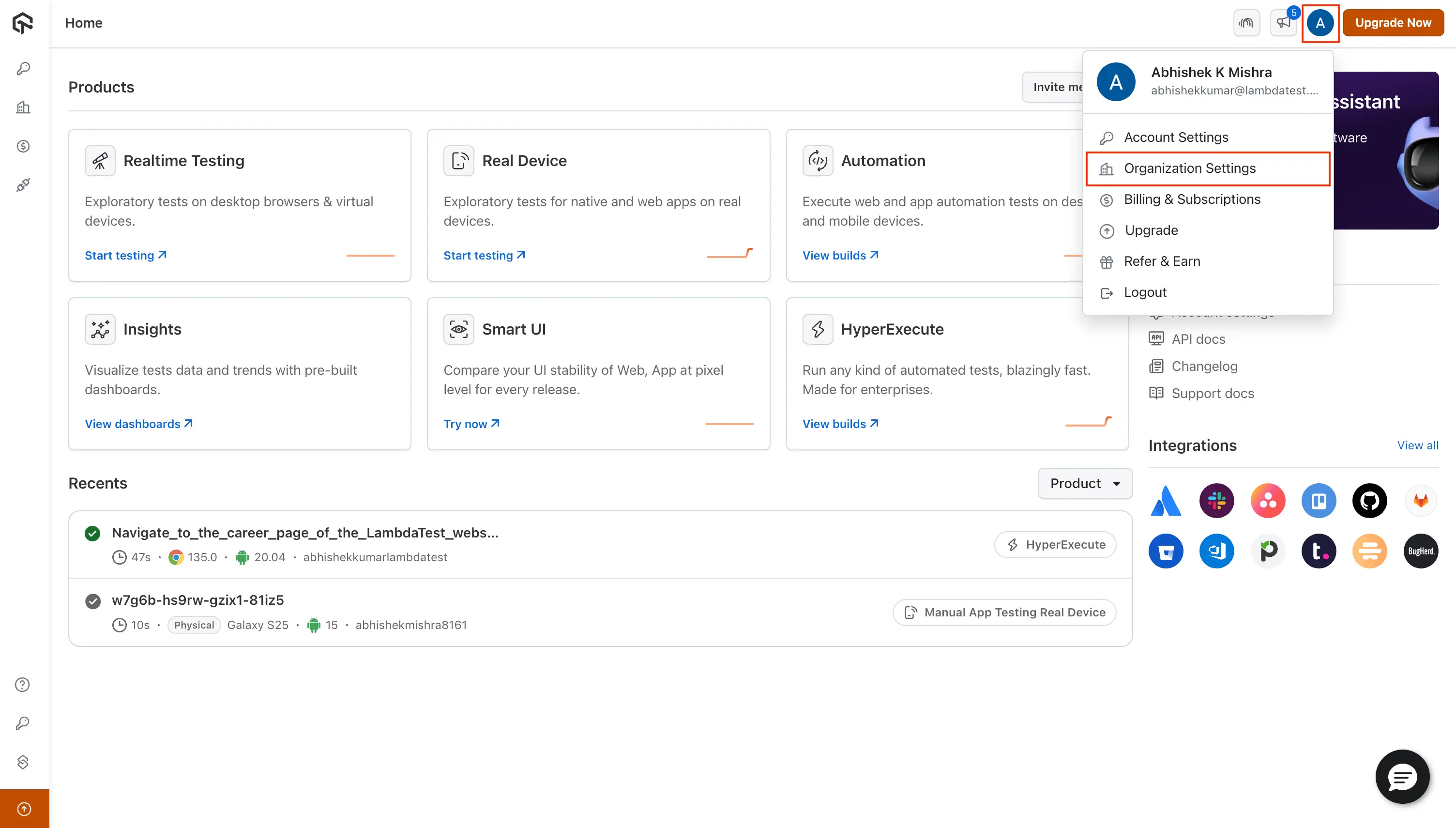
Step 2: Click on Profile Icon and go to Organization Settings as shown in the image below.
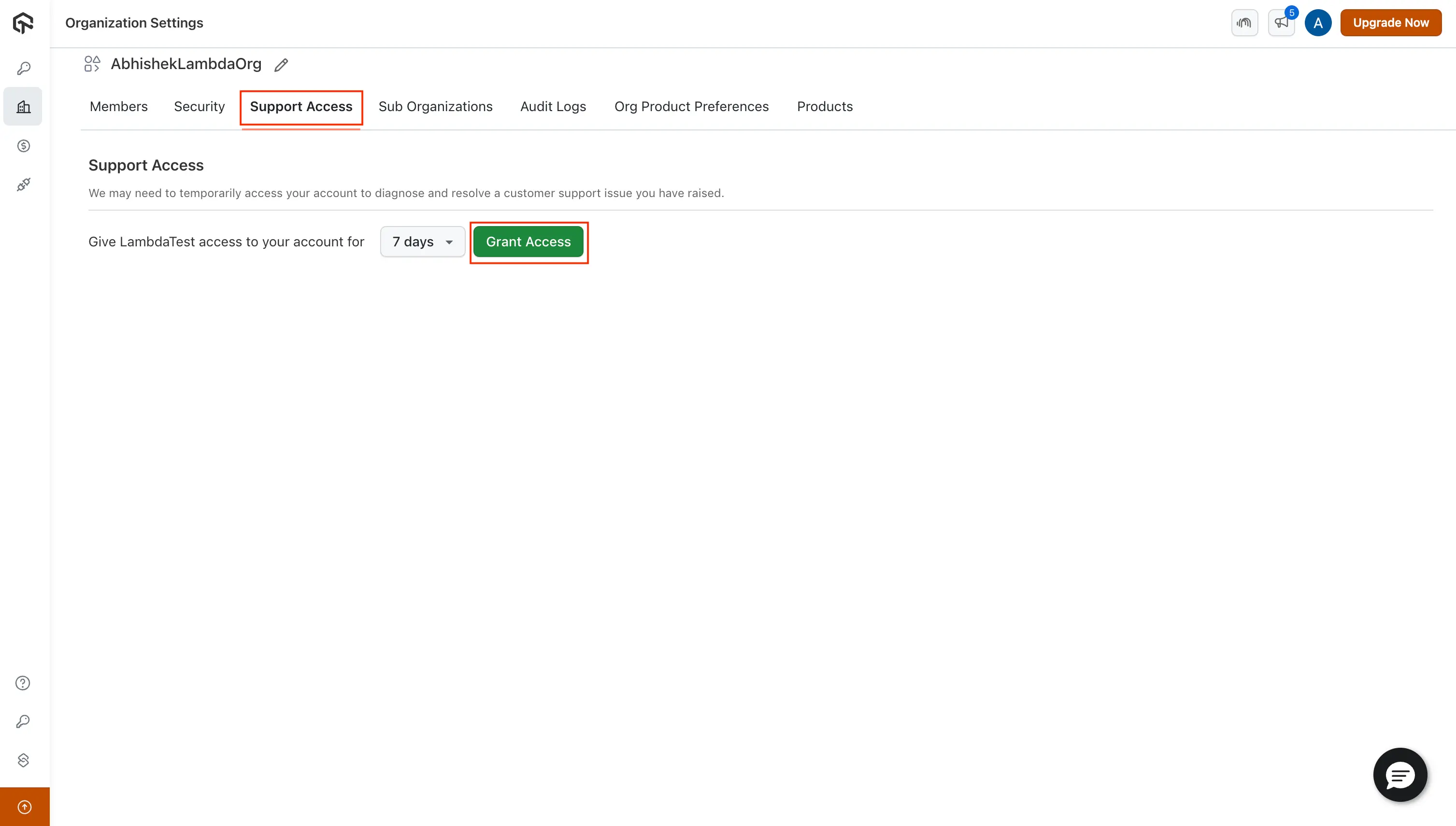
Step 3: Head to the Support Access tab and click on Grant Access.
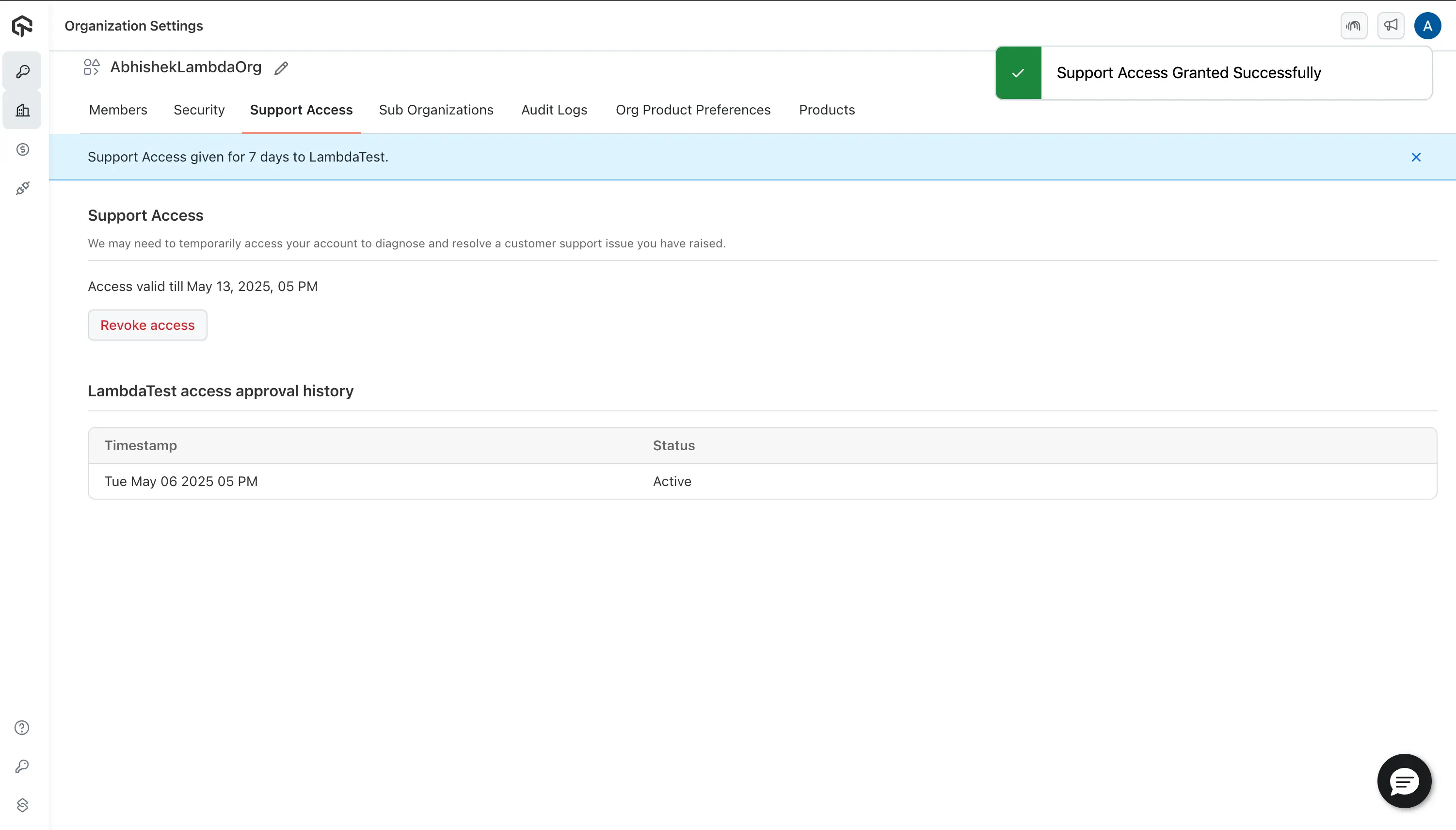
You have now successfully granted support access to TestMu AI.
Revoking Support Access
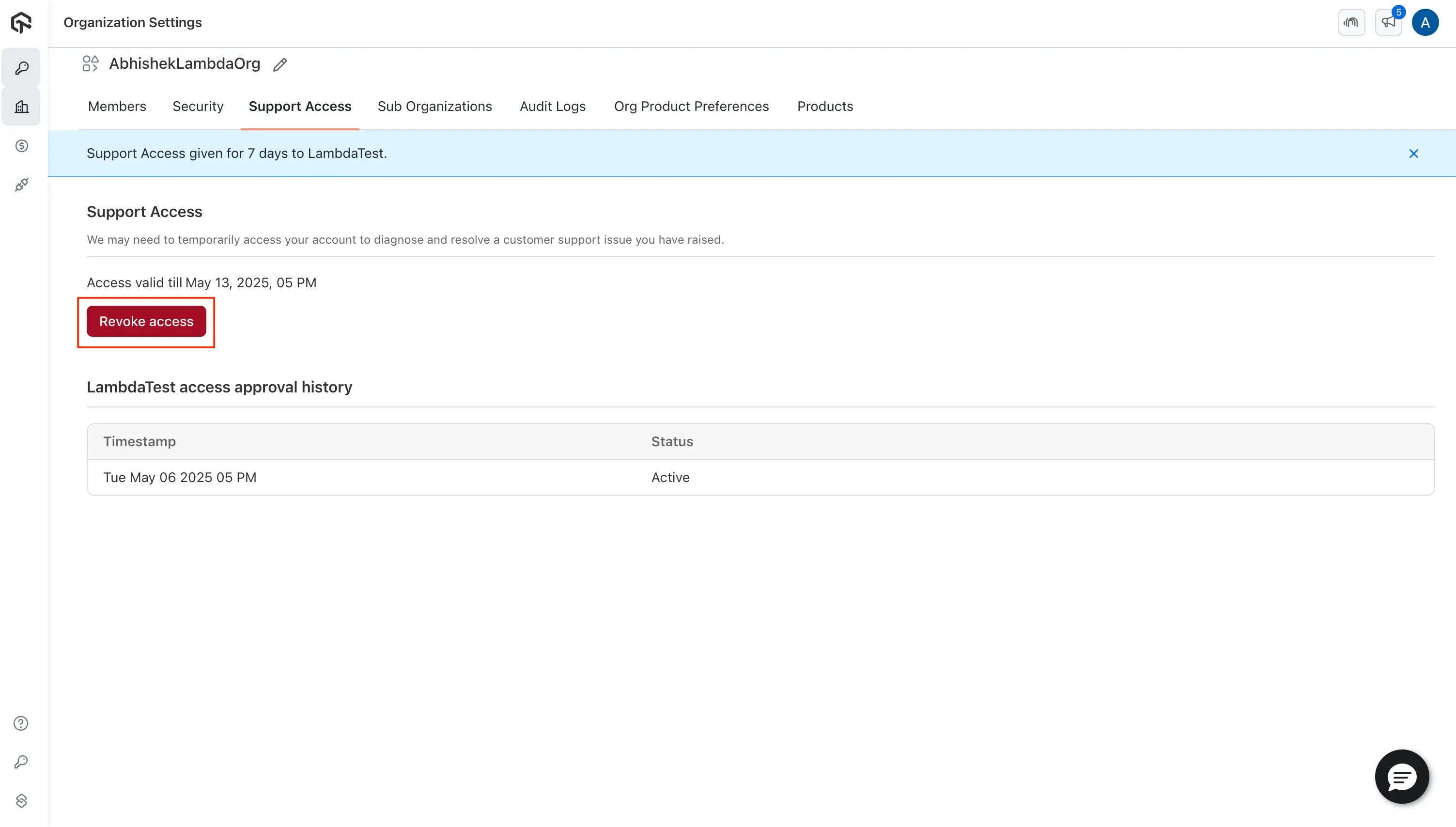
- Simply click on Revoke TestMu AI Access.

 Chat with Us
 Ask the Community