KaneAI - Utilizing JSON Variables for Assertions
This document outlines the process of using JSON variables in KaneAI to assert specific objects within an API response. The guide provides a step-by-step procedure for executing API calls, examining responses, and performing assertions on both status and body of the response.
Prerequisites
- Access to KaneAI platform
- Basic understanding of API testing
- Familiarity with JSON structures
Step 1: Understanding JSON Variable Assertions
In KaneAI, you can use JSON variables to perform detailed assertions on API responses. This allows you to validate specific objects and elements within the response structure.
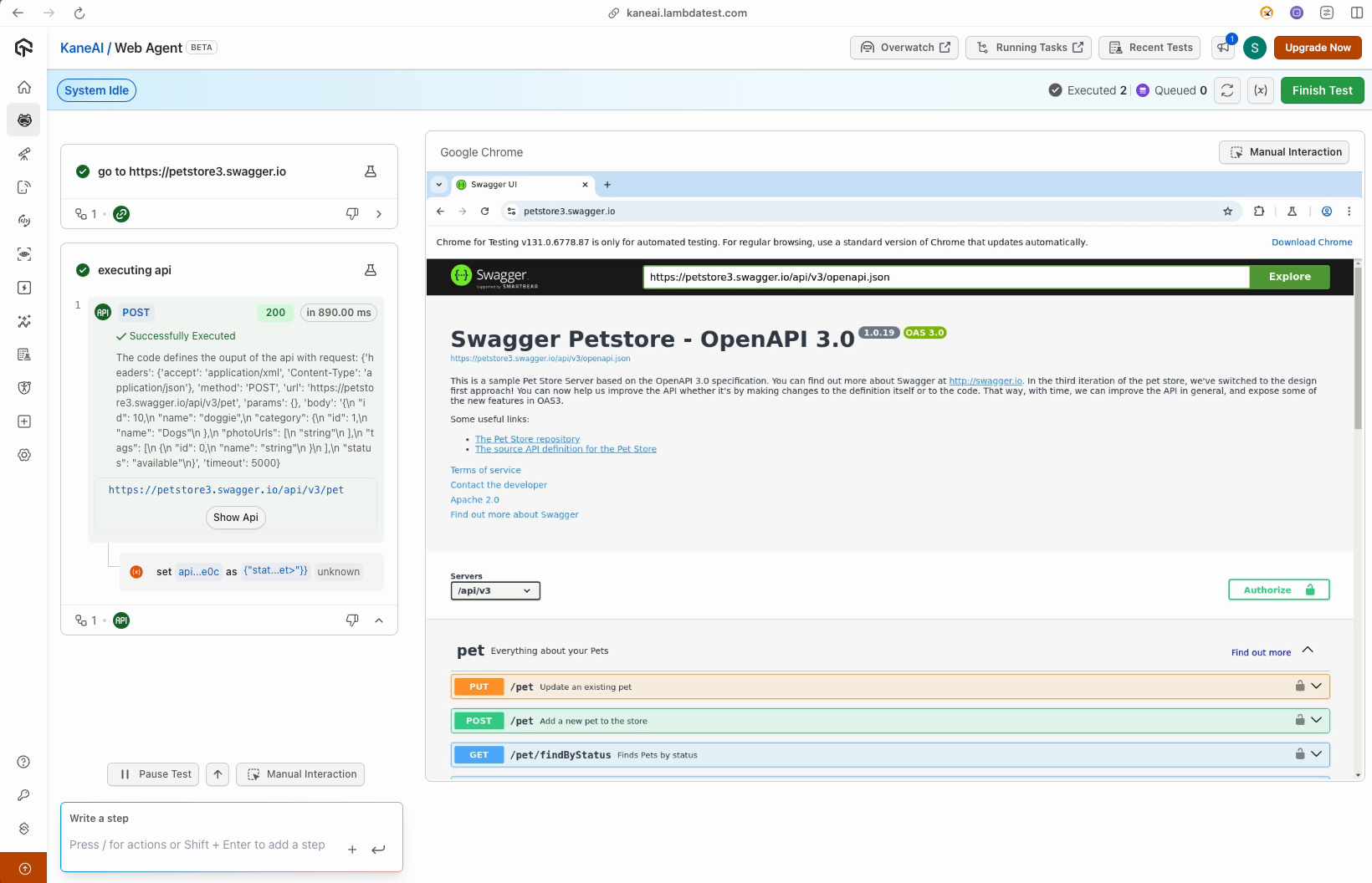
Step 2: Initiating an API Call
- Navigate to your desired API endpoint (e.g., a pet store website)
- Configure the necessary API call parameters
- Execute the API request
Example Workflow:
- Select the appropriate HTTP method (GET, POST, etc.)
- Add required headers
- Input any necessary request body
- Send the request
Step 3: Accessing Response Variables
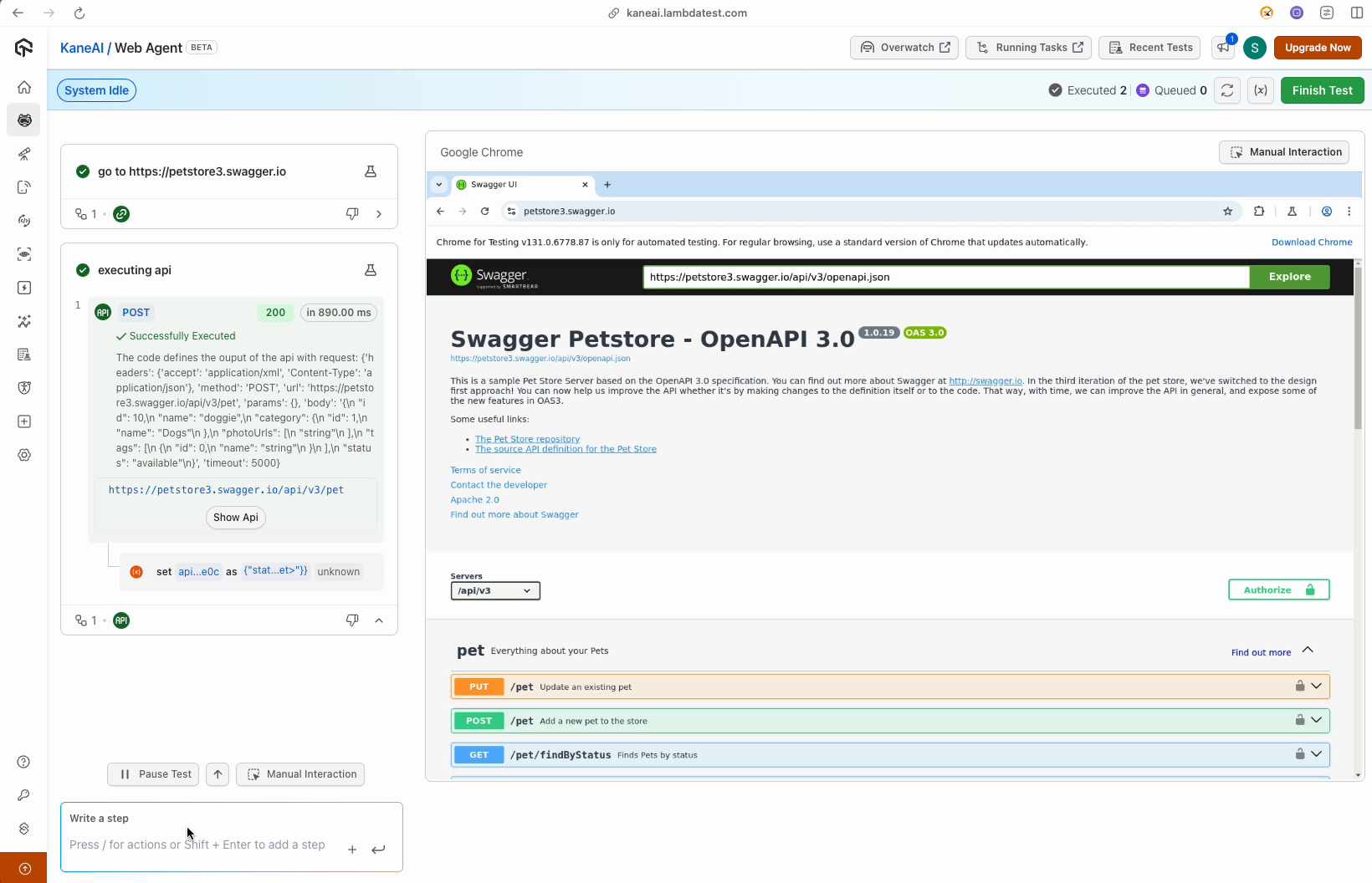
After executing the API call, KaneAI automatically generates variables containing:
- Response status code
- Response body
- Response headers
- Other relevant metadata
Step 4: Asserting Response Status
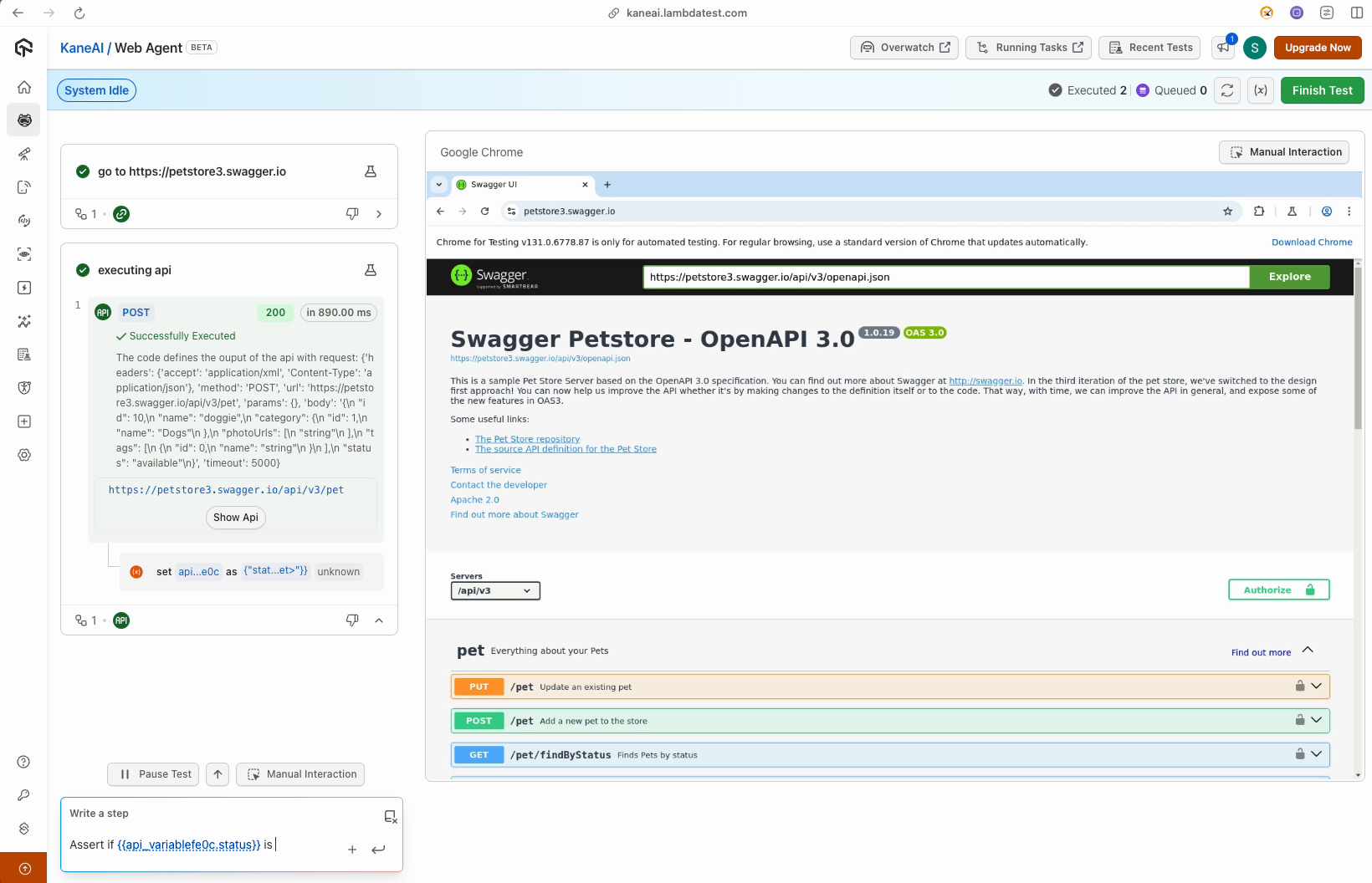
To assert the response status:
- Use double curly braces
{{to access the variable list - Navigate using arrow keys to select the status variable
- Define your expected status code
Example:
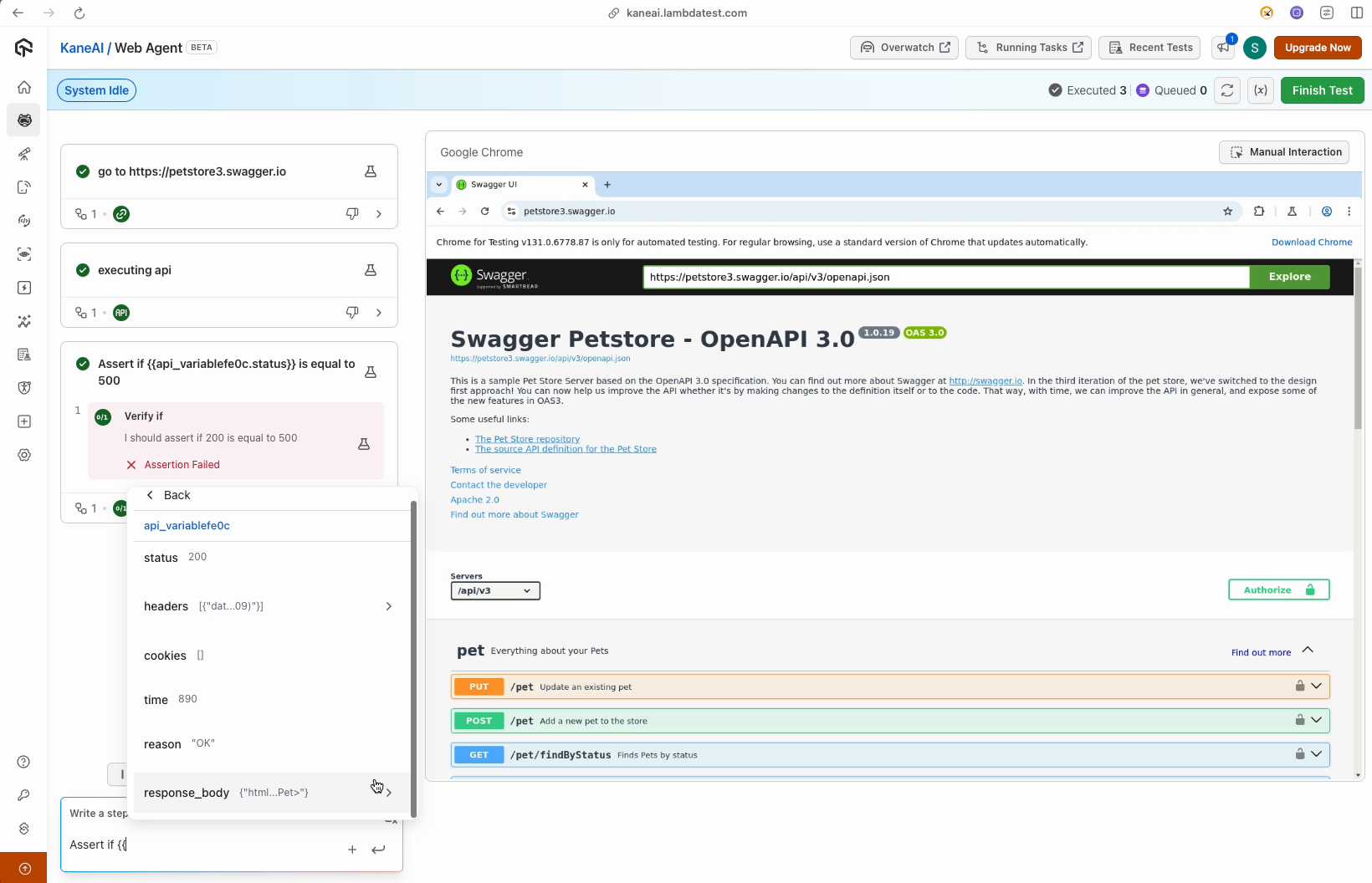
- Expected status: 200
- If actual status is 500, the assertion will fail
Step 5: Asserting Response Body
Navigate through the response body using the same double curly brace method:
- Open the variable selection menu with
{{ - Browse to the specific JSON element you want to validate
- Create an assertion for that element
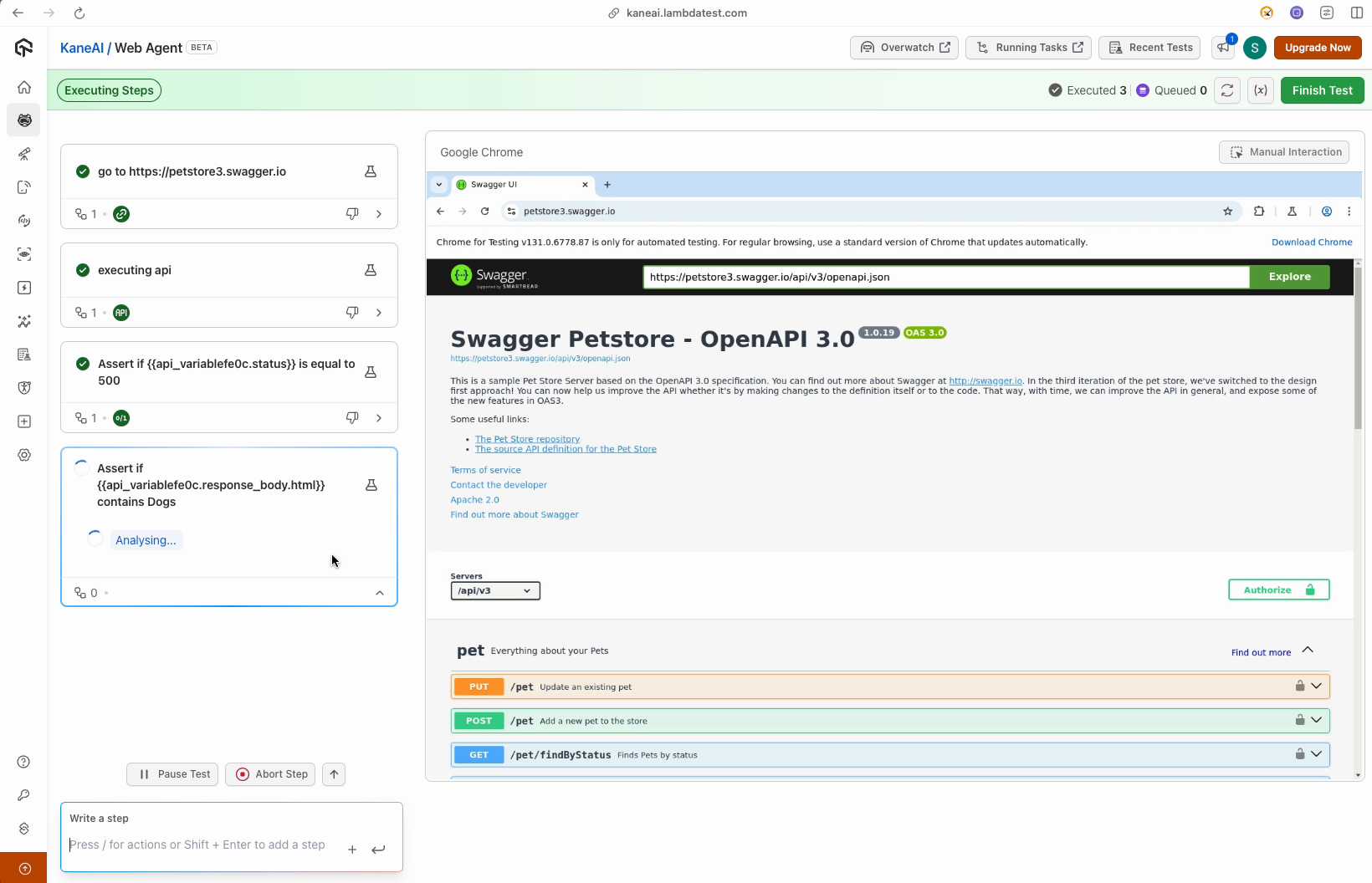
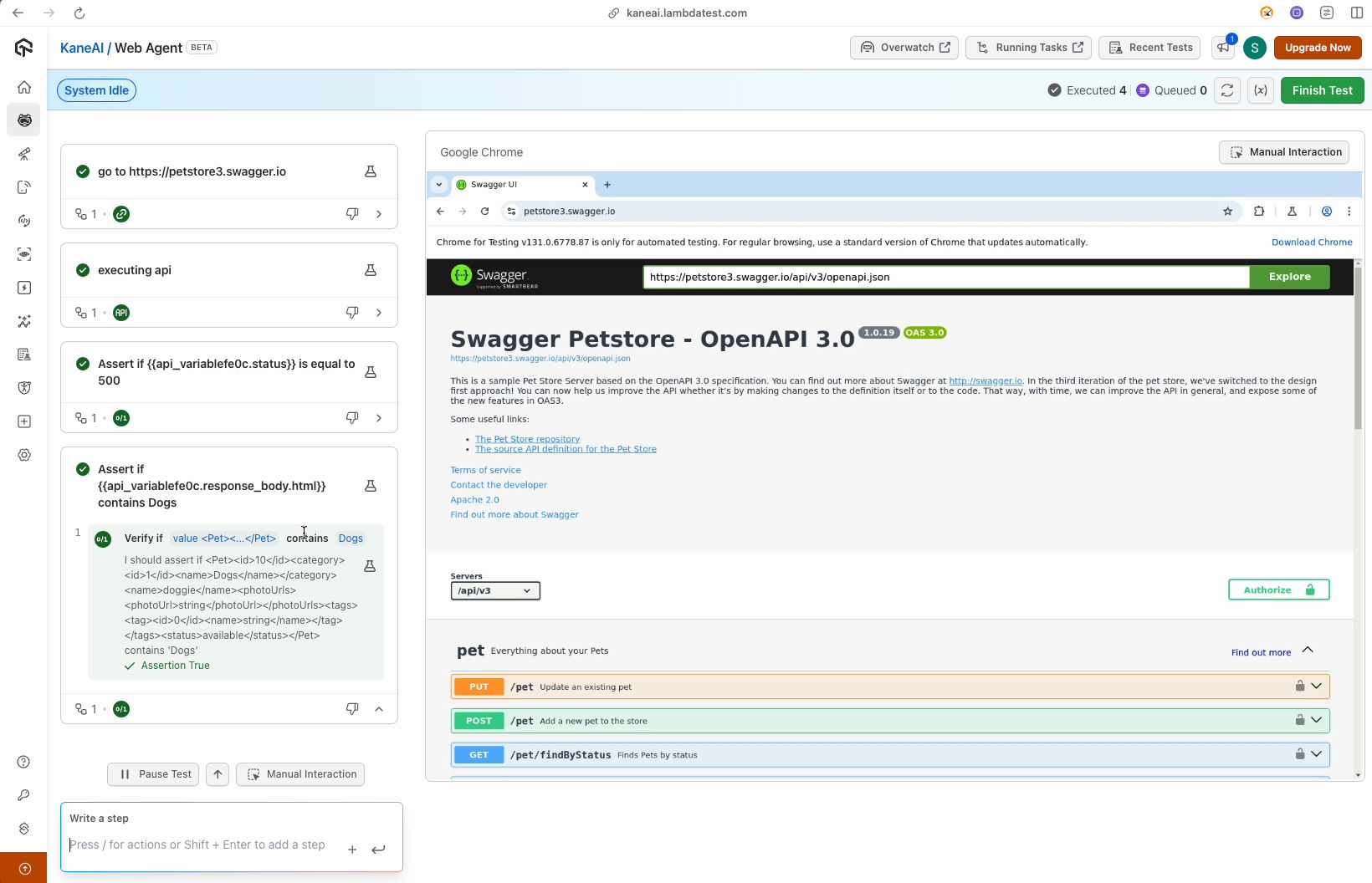
Example Validation:
- Check if 'dogs' element exists in the response
- Verify specific property values
- Validate nested JSON structures


 Chat with Us