Troubleshooting iOS App Testing
While uploading .app files on Simulators, you may encounter issues such as the app crashing immediately or the error "No .app found inside zip". These problems typically occur when the app is not built correctly for the Simulator platform.
For a complete step-by-step guide on building your iOS app for Simulator testing, see Building Your iOS App for Simulator Testing.
Common Issues
App crashes immediately with "App quit unexpectedly"
Cause: Your .app is built for physical iOS devices (Mach-O Platform 2 — iphoneos) instead of the iOS Simulator (Platform 7 — iphonesimulator).
Solution: Rebuild your app targeting the iOS Simulator SDK. In Xcode, select a Simulator destination (e.g., iPhone 15 Pro) instead of Any iOS Device, then build. For command line builds, use the -sdk iphonesimulator flag:
xcodebuild -project YourProject.xcodeproj \
           -scheme YourScheme \
           -configuration Debug \
           -sdk iphonesimulator \
           -arch arm64 \
           build
You can verify the platform using:
vtool -show-build YourApp.app/YourApp
The output should show platform: IOSSIMULATOR (Platform 7).
Your Simulator build must include the arm64 architecture. There is no need to exclude it from Simulator builds.
"No .app found inside zip" error
Cause: The .zip archive structure is incorrect. The .app bundle should be at the root of the archive.
Solution:
- Build your app for the Simulator (as described above).
- Locate the
.appfile in Xcode: right-click the.appunder Products and select Show in Finder. - Right-click the
.appfile in Finder and select Compress to create the.zipfile.
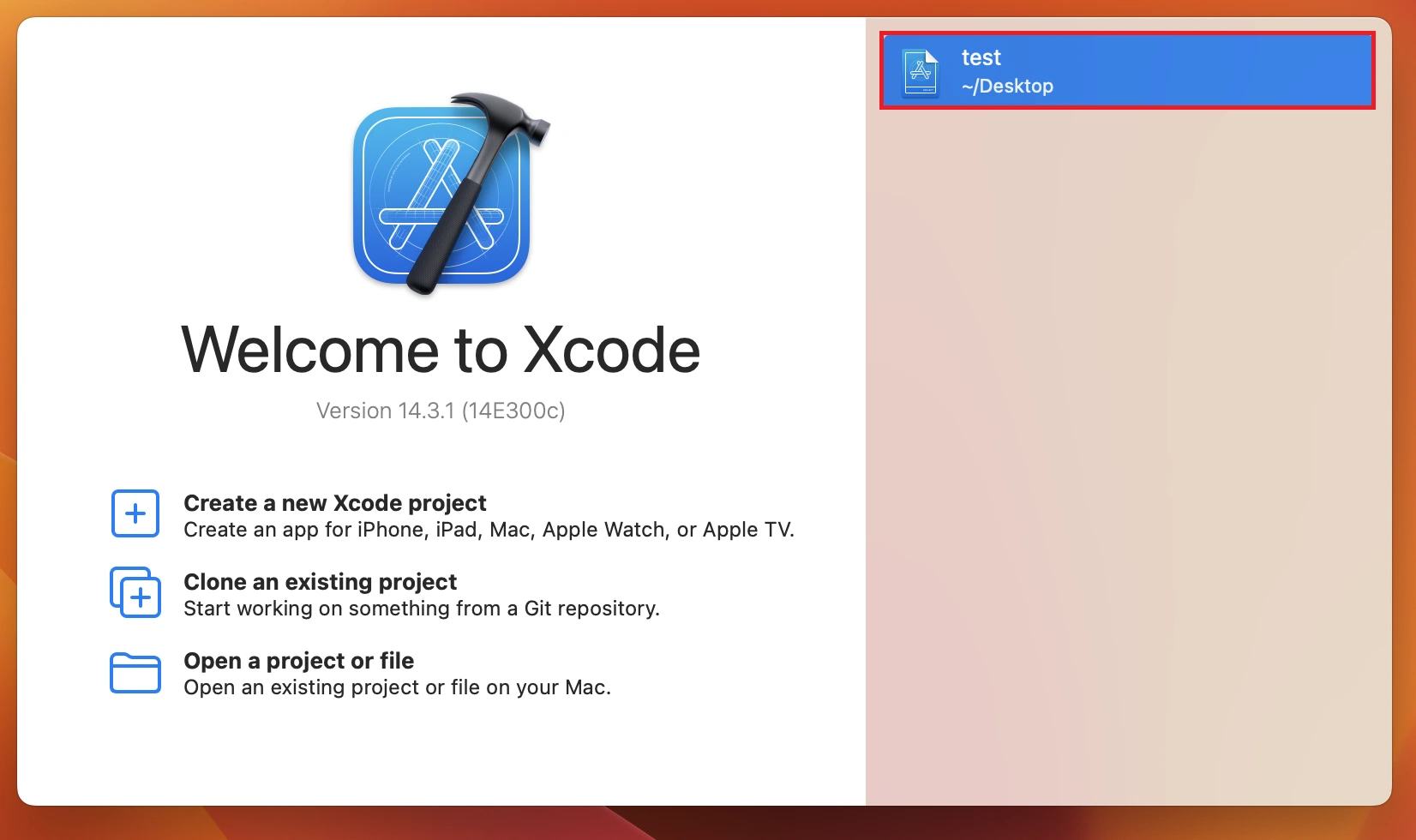
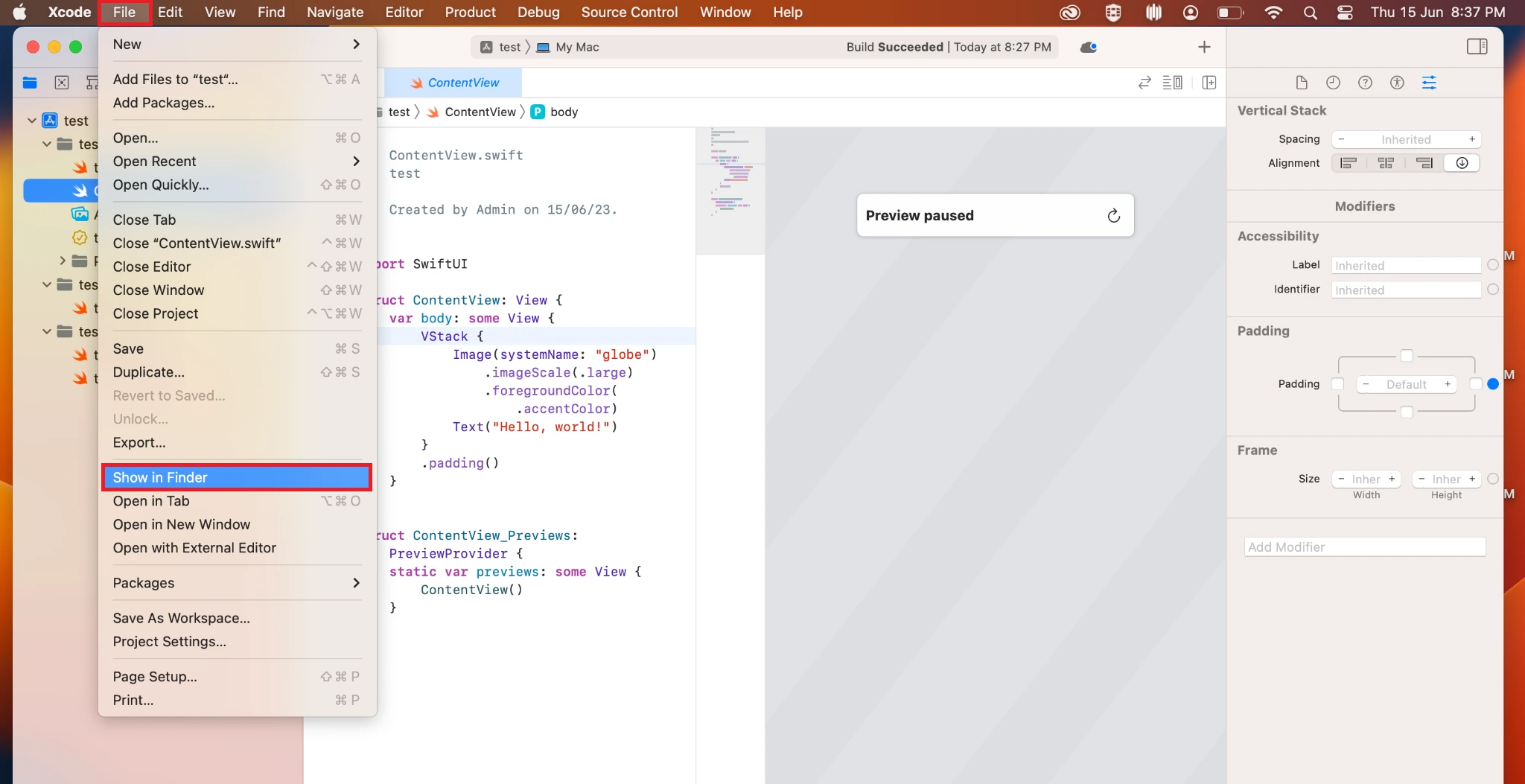
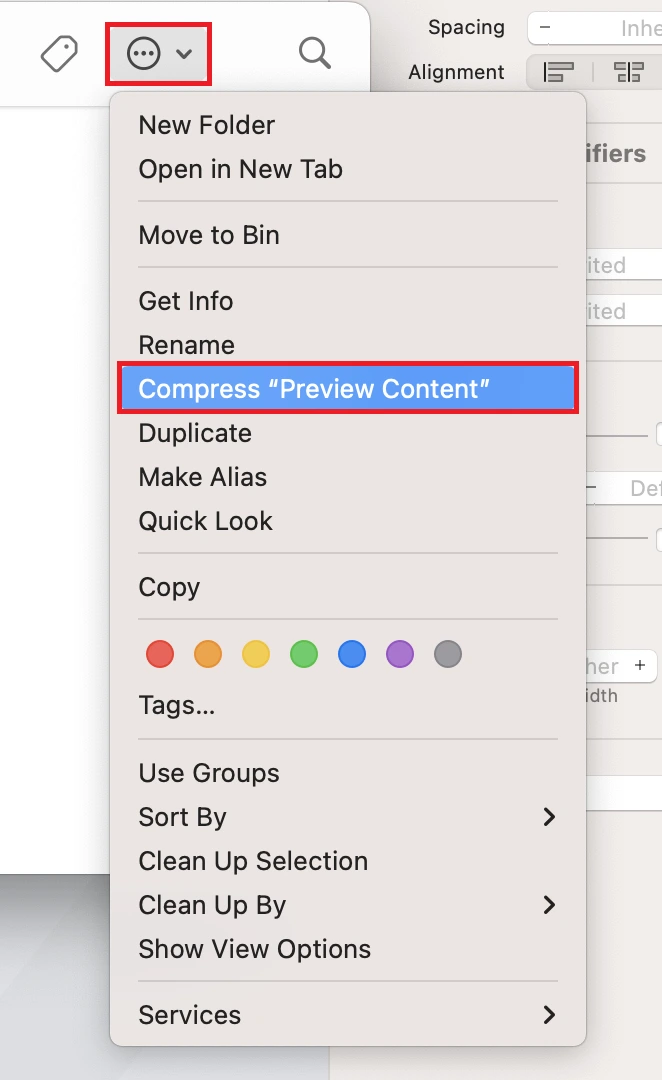
Your .zip file is now ready for upload on TestMu AI servers.
Build fails with architecture errors
Cause: The project may have incorrect architecture settings.
Solution: In Xcode Build Settings, verify:
| Setting | Value |
|---|---|
| Architectures | $(ARCHS_STANDARD) |
| Base SDK | iOS |
| Supported Platforms | iOS Simulator |
Ensure you are not excluding arm64 from Simulator builds.
That's all! In case you have any questions or need any additional information, you could reach out at our 24X7 Chat Support or mail us directly at [email protected].

 Chat with Us
 Ask the Community