Selenium With Reqnroll
Run Reqnroll tests on the TestMu AI cloud grid. This guide covers setup, running a sample test, configuring capabilities, and testing locally hosted pages.
All the code used in this guide is available in the sample repository.
 View on GitHub
Prerequisites
Complete the following steps before running Reqnroll Selenium tests.
- Download and install Selenium WebDriver from the official website.
- Install the latest version of Reqnroll.
- Install the .Net framework for developing applications using C#.
- Download Selenium WebDriver Language Binding for C# and extract them to the appropriate folder.
- Install a .NET Core SDK of 2.1 or greater version.
- Get your TestMu AI Username and Access Key from the TestMu AI Dashboard.
Step 1: Clone the Sample Project
Clone the repository and set up the virtual environment.
virtualenv venv

Navigate to the newly created virtual environment:
source venv/bin/activate
Step 2: Set Your Credentials
Configure your credentials to connect to the TestMu AI grid.
Fetch the TestMu AI Credentials from the TestMu AI Profile Section. You can export the environment variables by running the following commands in your terminal.
- macOS / Linux
- Windows
export LT_USERNAME="undefined"
export LT_ACCESS_KEY="undefined"
set LT_USERNAME="undefined"
set LT_ACCESS_KEY="undefined"
Step 3: Configure Your Test Capabilities
Update the TestMu AI Credentials in the Makefile or export them as environment variables as shown above.
Use the TestMu AI Capabilities Generator to auto-generate the capabilities class for your test requirements.
Step 4: Run the Test
Build and execute the Reqnroll tests on the TestMu AI platform.
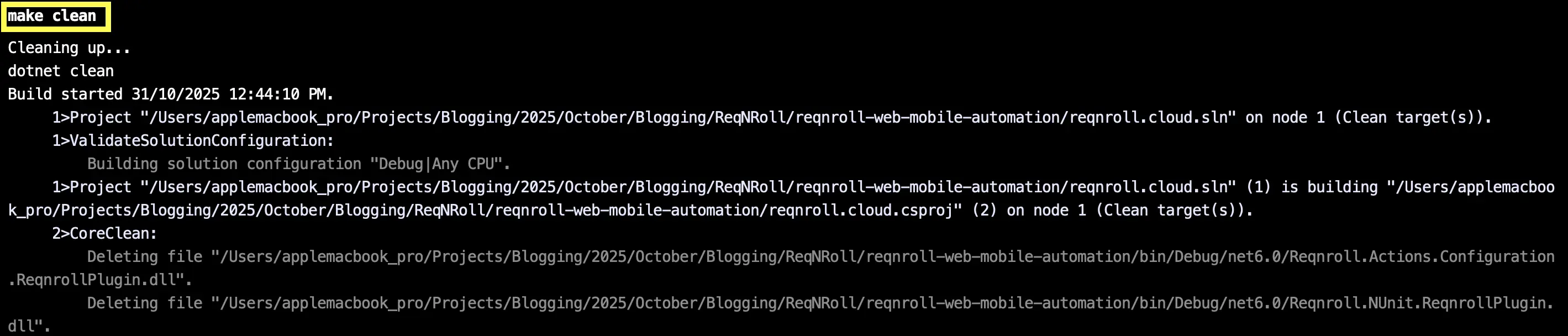
Clean temporary files:
make clean
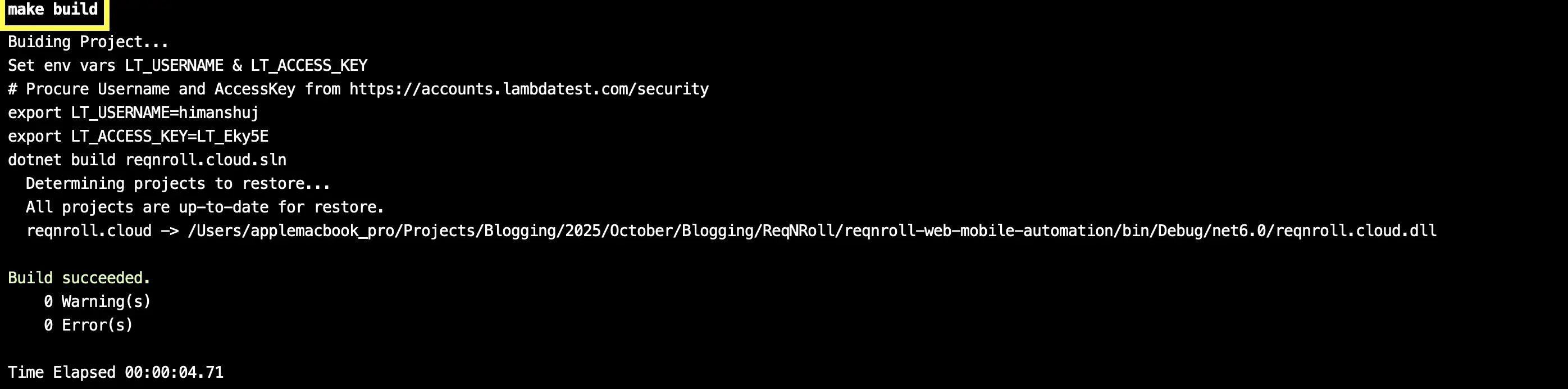
Build the automation project:
make build
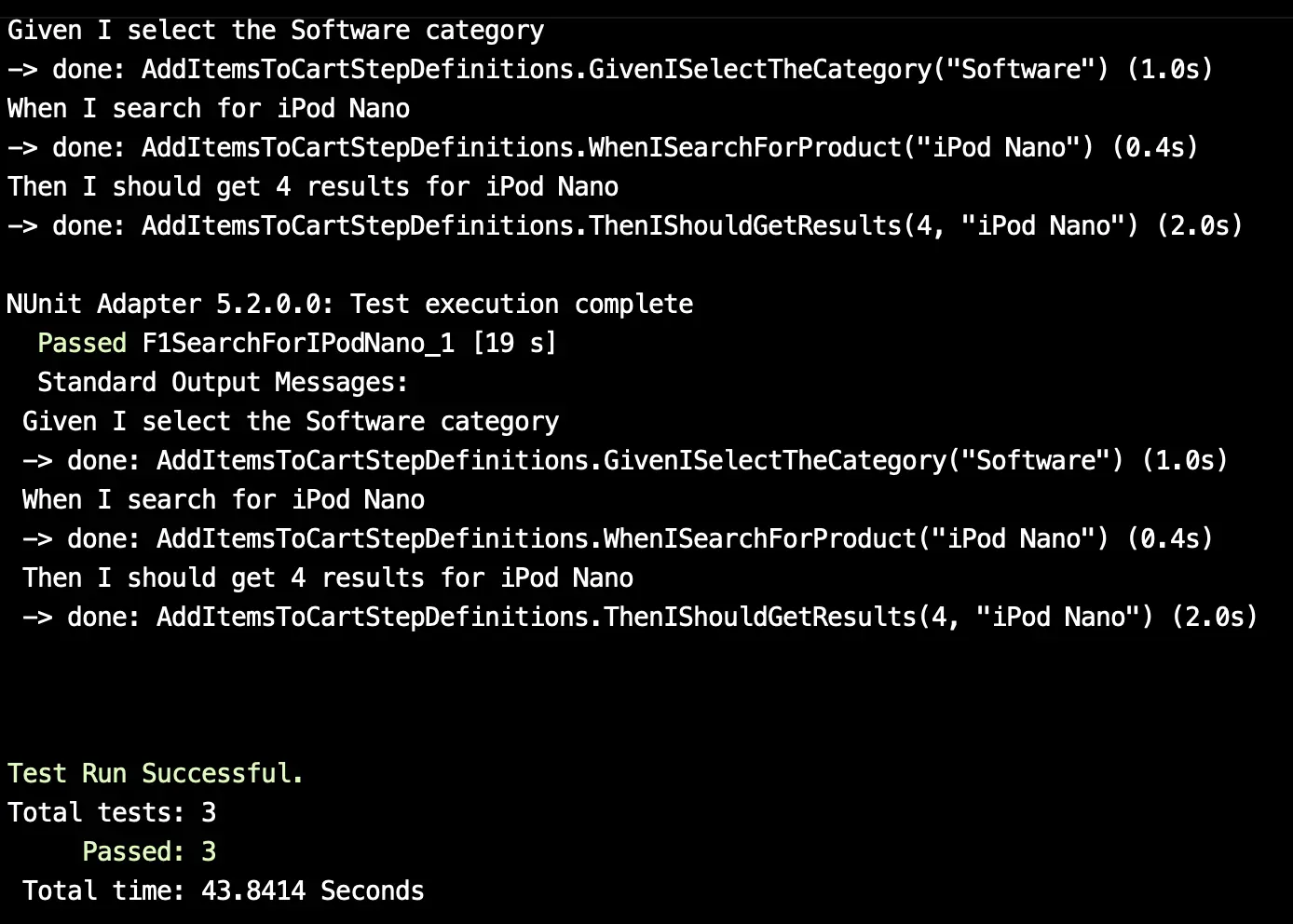
Run the Reqnroll tests:
make reqnroll-automation-test

Step 5: View Your Results
Check the test output on the console and the TestMu AI dashboard.
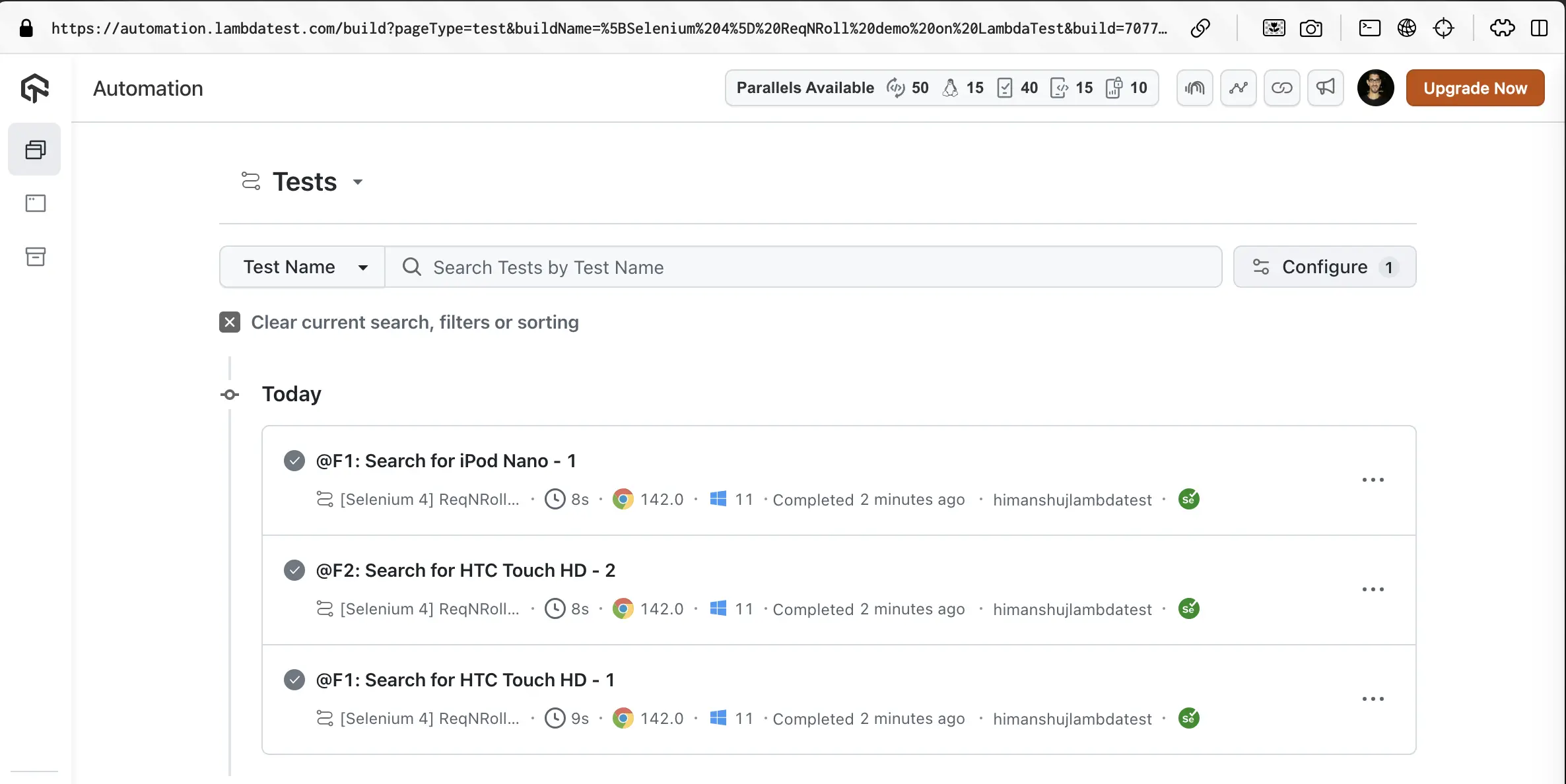
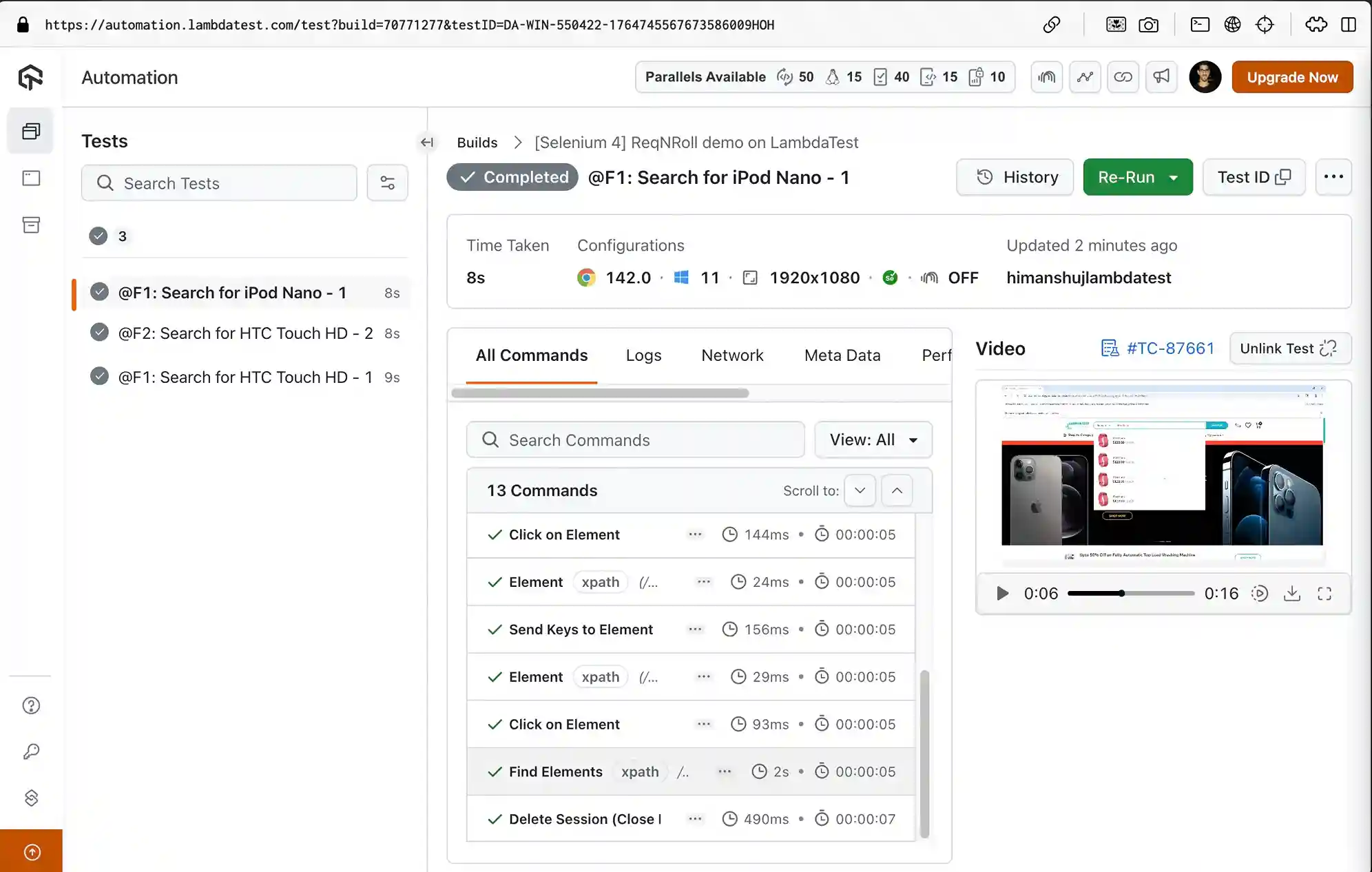
Navigate to the TestMu AI Automation Dashboard to check the status of the test execution.
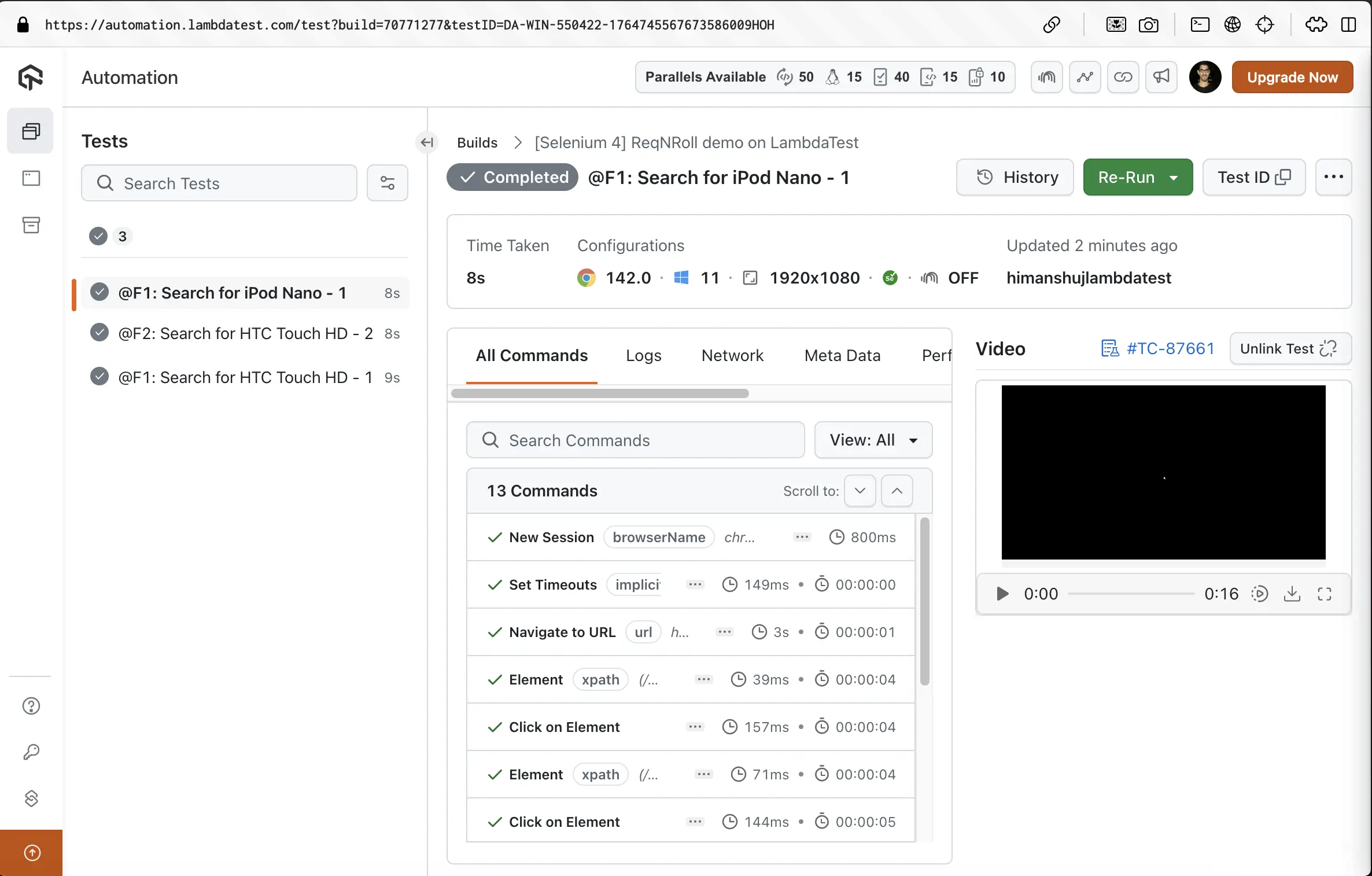
All the scenarios that are a part of respective .feature(s) files successfully executed on TestMu AI.

 Chat with Us
 Ask the Community